Chrome’s abnormal tab search
Chrome’s find option, like every search coming from a good home, does something clever with accented characters – it normalizes them:
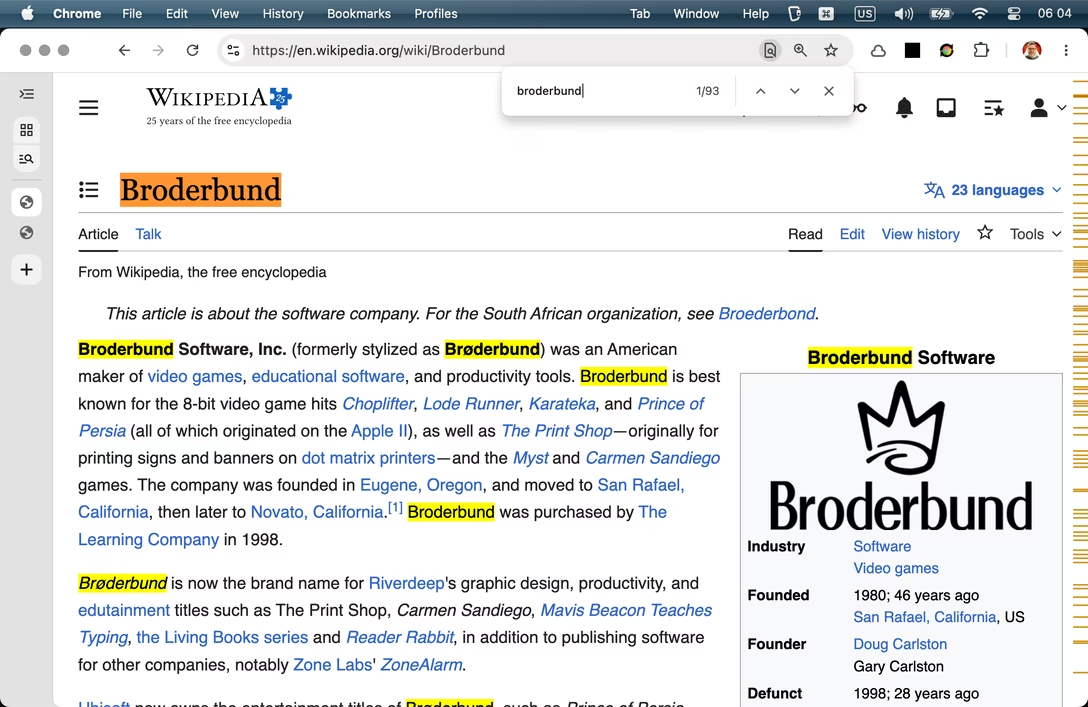
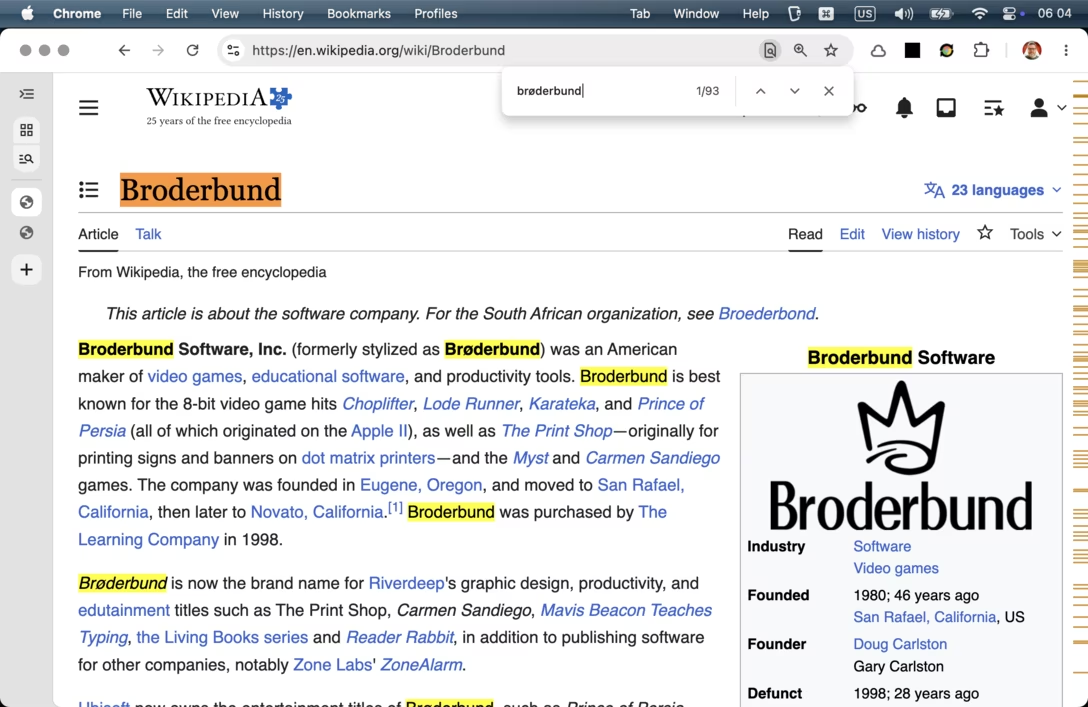
No matter whether you search with a proper accented character, or with its basic Latin equivalent, all the same stuff matches: The “ø” letter is treated the same as “o” both in the input field, and then in the search itself.
Yet, Chrome’s tab search inexplicably doesn’t do that, which confused me when working on a post about diacritics earlier this week. Here, it should match all four open tabs:
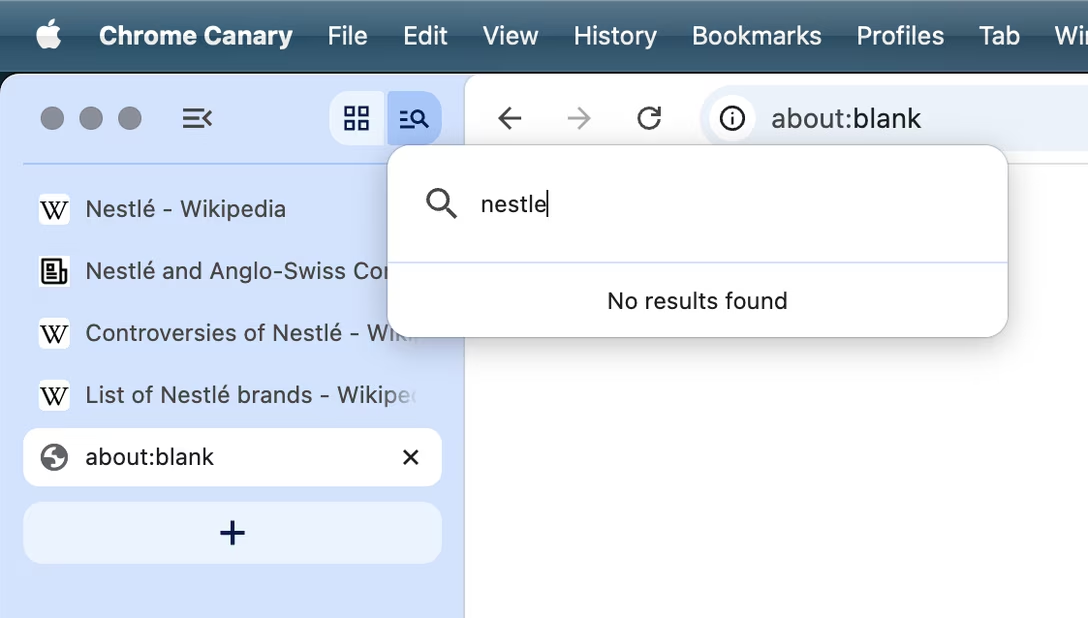
Tab search was introduced years ago; the Occam’s Razor says this isn’t a recent bug, but that the feature has always behaved like this. I filed the bug, but even if it gets fixed quickly, I think this doesn’t reflect well on Chrome’s team. If the right code already exists for ⌘F, why not reuse it? If it cannot be reused, why not repurpose at least its unit tests or the QA process to make sure this doesn’t fall through the cracks? Normalization should be treated as a core property of any search, rather than an optional “nice to have.”
But, Marcin, didn’t you just invalidate your assertion that diacritics actually matter? After all, wouldn’t you input “nestlé” instead of “nestle” if they did?
To this, I have a few answers:
- Input is not output. This is no different than autocorrect, autocomplete, or other IME helpers.
- The very fact that on many keyboards accented characters are hard to input is itself a sign of anglo-centrism of companies that made early typewriters (Remington, which established a lot of European layouts like QWERTZ and AZERTY, employed a person who bragged he didn’t actually speak any languages in a “how hard could it be” way) and then most microcomputers.
- There is this really interesting rule, also known as Postel’s Law: “be conservative in what you output, but liberal in what you accept as input.” It’s not universally applicable – sometimes it’s better to teach the user to be more explicit if it benefits them in the longer run – but it feels appropriate to me here.
Why does it matter specifically for the ⌘F and the tab search experience? I have this personal theory: the simplest the search, the more the users will blame themselves if it doesn’t work, and assume the tab or the string just isn’t there, rather than rewrite their query. That’s what happened to me. I assumed that the tab wasn’t open and tried to get to it again, wasting time and effort.
The rule might be universally true for any UI surface – the tighter it gets, the less likely we assume it can break. After all, there is a manual for a typewriter, but there isn’t one for the pencil! And these UIs do feel positively basic; they are small windows with basically one input field and an immediate as-you-type reaction.