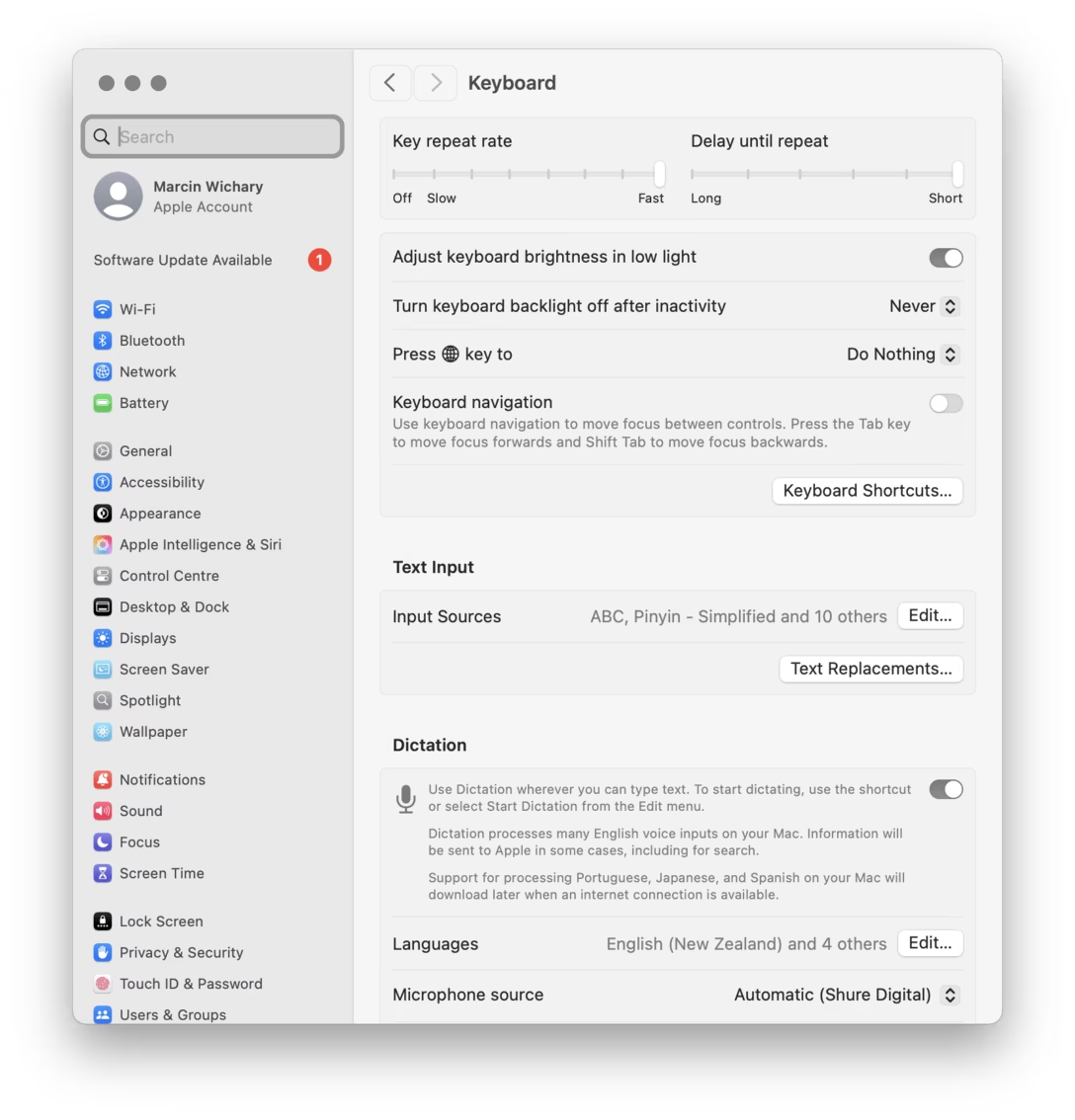
Clicking, fast and slow
In iPhone’s accessibility settings you can choose the allowed speed of double- and triple-clicks on its side button (why is it important? we talked about it once), and the interface does something nice – after you make your choice, it shows the expected speed in the same place a sort of a preview:
To be honest with you, I was surprised that I liked it. This feels like it’d be a perfect example of cheapness, especially given the iPhone has this delightful animation that could be reused here:
But, I don’t know. Somehow, this one feels like it’d be too complicated. Maybe cheap is okay if one cannot think of a better “bespoke” interface?
Cheap here also has an added benefit of reusing existing patterns, which might feel nicer in the more utilitarian surroundings of settings.
But my favourite thing that elevated this was that with each visual blink there is also an accompanying haptic buzz. I think this is really clever. A haptic buzz is much “closer” to your fingers than onscreen blinking, and can help you feel the speed rather than just see it.
Unfortunately, the same clever preview is not present here in the otherwise very similar AirPods menu…
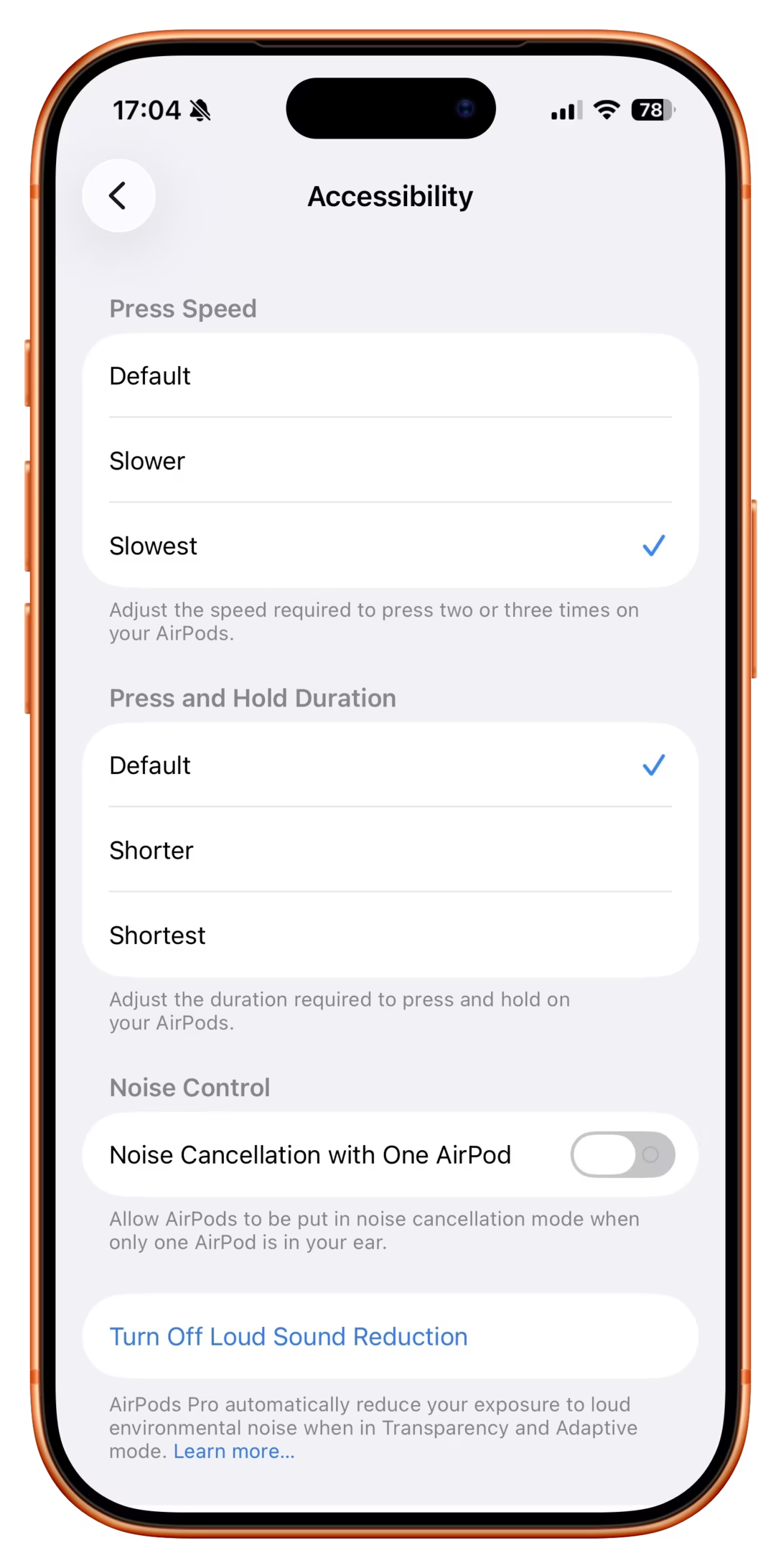
…and I also found myself wondering what would it take for it to make its way here as well: