Deterministic vs. idempotent
Those terms confused me back in the day, and occasionally they still do, so I thought it might be nice to write it all out. This is how I understand them:
- deterministic: whenever you do something, it gives you identical results as any previous or next time you do it
- idempotent: if you do something twice, or thrice, or more times, it will be the same as doing it once
Or, in short:
- deterministic: same every first time
- idempotent: same every next time
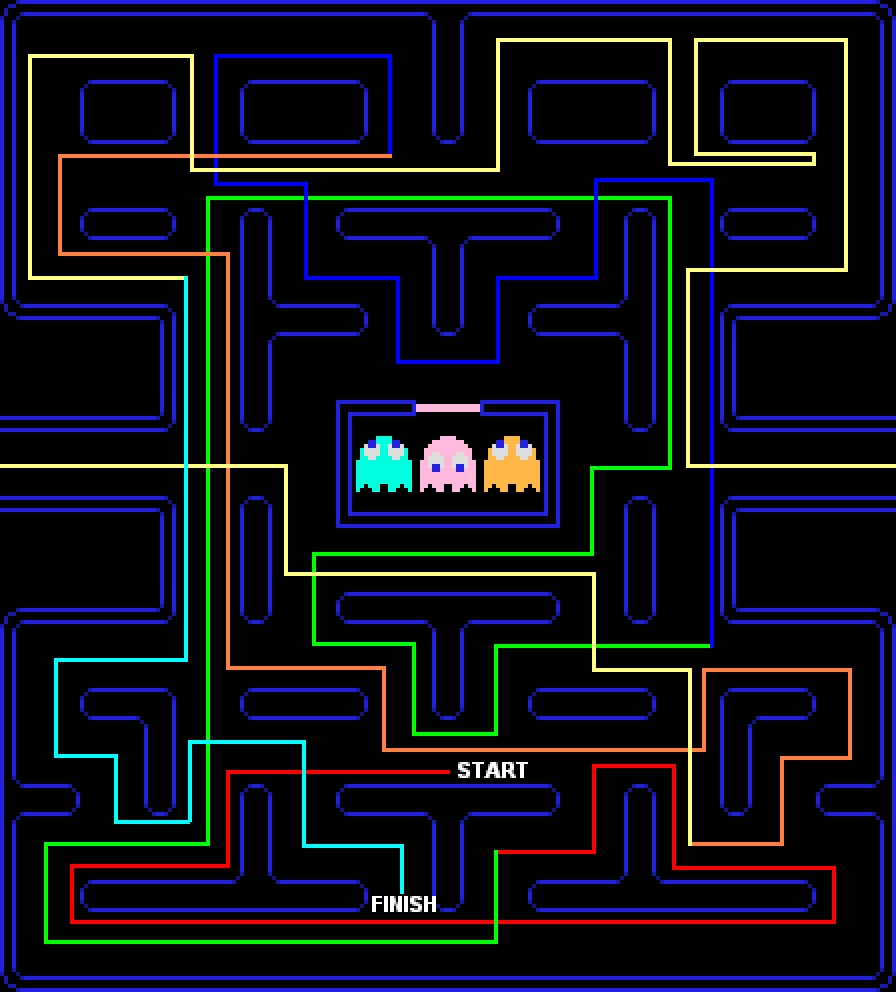
This might be confusing. Outside of LLMs, computers are supposed to be deterministic, no? They’re even bad at random numbers. If you memorize a pattern, you can beat Pac-Man every single time.
But “deterministic” in UI design might mean something more specific. Let’s take pressing ⌘B to bold, for example:
Every time you press ⌘B on an identical selection, it will behave the same. But, pressing ⌘B doesn’t guarantee something will get bold. If it already is bold, the command will reverse its meaning. In this sense, ⌘B is non-deterministic.
It’s not hard to imagine a determistic version of bolding. Make ⌘B bold the text, and make another shortcut – say, ⌘U – unbold it. This way, you can always press either and be absolutely confident you will get a predetermined result without worrying about anything else. It’s a boon for motor memory, but it is more complex to explain, and it adds more UI surface.
There is also another, more interesting way: you can make ⌘B always bold first, and unbold second. This way, your fingers can remember ⌘B is for bolding, and ⌘BB is for unbolding. But this is also tricky: for already fully bolded text, it might seem the feature is broken, because the first keystroke does nothing!
Only the second of these three approaches is idempotent, meaning you can invoke it many times and it will always give the same result:
- ⌘B toggles bolding from current state: non-deterministic, non-idempotent
- ⌘B bolds, ⌘U unbolds: deterministic, idempotent
- ⌘B toggles bolding, always starts from bold: deterministic, non-idempotent
One of my favorite idempotent concepts is the Clear key present on many calculators, and still on some larger Mac keyboards.
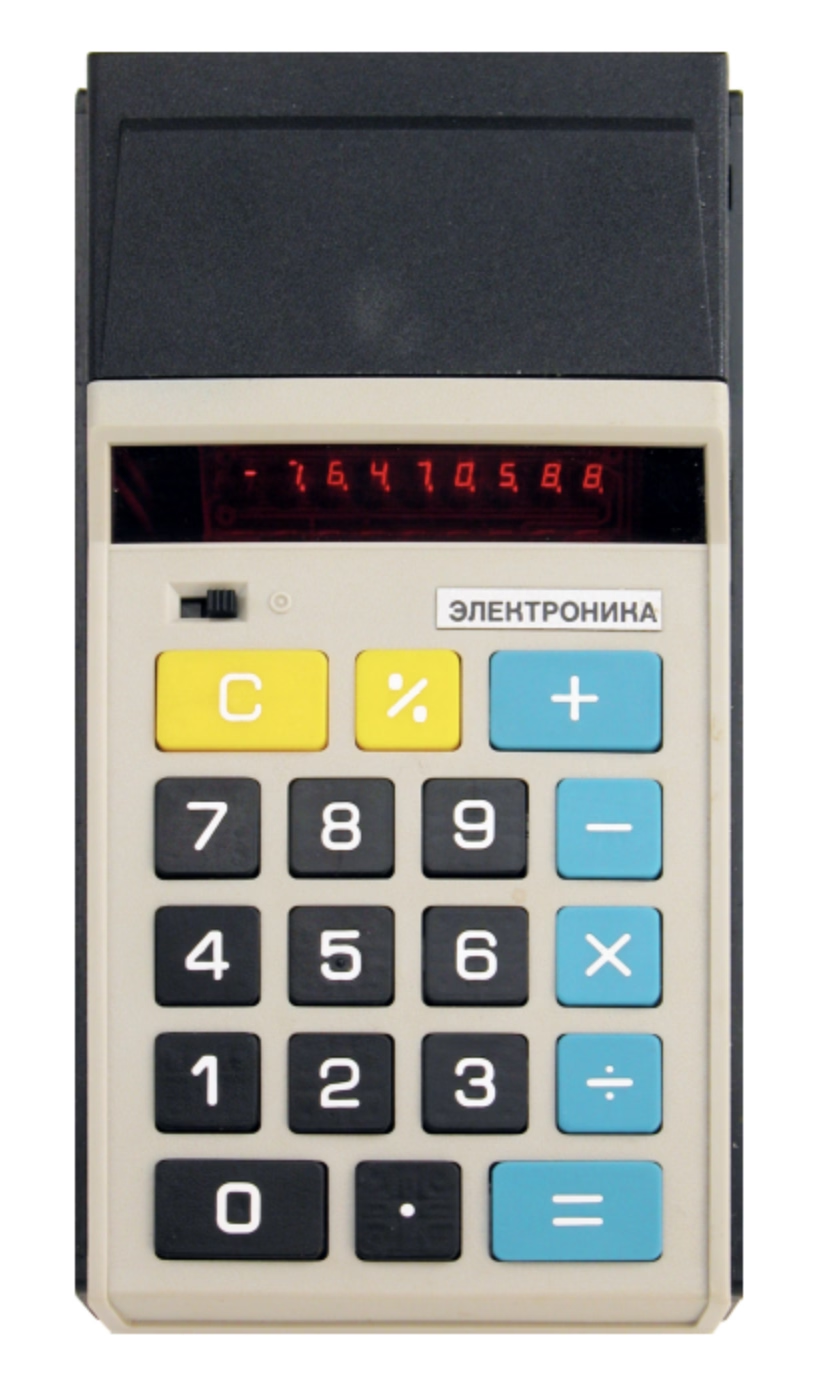
The idea behind Clear is simple. Let’s say you’re a professional keypad user – maybe an accountant? – typing in numbers for hours a day. You just made a mistake. Pressing Backspace will remove the last digit, but are you sure you only made a mistake on that last digit? What if your fingers brushed another key and you typed in two digits by accident?
Instead of using the non-idempotent Backspace key where you’d have to look at the screen to confirm, it’s easier just to press the idempotent Clear which will always remove the entire number, and then start from scratch without even having to look anywhere (as gamers would say, “no scope!”).
And, for people who are moving fast, it feels safe just to press the shortcut or a button instinctively, for ease of their mind, even if nothing has to be done. Some people might choose to press it a few times, just in case. The Esc key often has that property – isn’t it just nice to slam Esc many times? – and Jeff Jarvis in his 2014 essay talked about another shortcut that felt that way:
Since I don’t need ⌘S anymore, I can now appreciate how much it had become a part of my ritual of writing and even of thinking. I used to hit ⌘S not just as data insurance — hell, I’d often hit it after having not made a single change in my text since the last time I’d hit it. I hit ⌘S as a break, a psychic, semiotic semicolon. It gave me a moment to search for the right word, to plan the structure of where I would go next, to commit to what I’d written, or to wonder whether I had the courage to erase what I’d written and try again.
(In Figma, where ⌘S wasn’t necessary, we used to show this – but we only showed it once every fortnight, since some people would press the shortcut instinctively like Jarvis, and find the message distracting and maybe even patronizing.)

All of these options have pros and cons. The beauty of determinism and idempotence is that they free you from paying attention. I always get a bit nervous when someone tells me that in their country, you can press the elevator button again to unset it. Even if you don’t make a button a toggle, visually disabling it or showing a message (“Nothing to delete!”) when it has nothing to do could feel like a friendly gesture toward newcomers, but its non-idempotence will grate people who know what they’re doing. Determinism and idempotence are good for motor memory to develop, but – just like the above bolding example – might be initially more confusing.
The approaches can coexist; browsers give you ⌘⌥←→ to move between tabs (non-deterministic, non-idempotent) and ⌘1/2/3 to switch to a specific tab (deterministic, idempotent). Some places even offer a choice. In macOS, you can say whether you want clicking on a scrollbar chute to be deterministic or not:
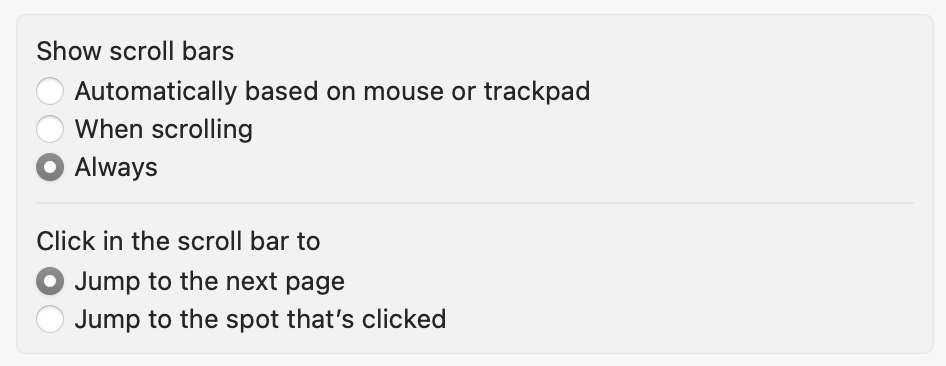
…although usual choice-giving caveats should apply.
I think it’s good to think about those things, especially for interfaces used professionally. Magical things happen if you can trust your fingers and sometimes, if you worry too much about novice users, that might make it hard for pro users to emerge.