“Felt a bit like sorcery.”
For decades now, Raymond Chen has been posting to his blog The Old New Thing about various technical Microsoft quirks, occasionally venturing into Unsung territory. Last week, Chen shared a nice remembrance of Tony Krueger, a person responsible for implementing the red squiggly underlines in Word:
Tony worked on Word 1.0, 1.1, 2.0, then on Word for OS/2 and Word for Mac, then returned to Word 6.0 and several versions beyond that. He probably holds the record for “most versions of Word shipped.” […]
Tony made the spell checker much more unobtrusive so that it didn’t interfere with your foreground work. And when it found a problem, instead of waiting for you to trigger a spell check, it immediately drew red squiggles under potentially-misspelled words (and later green squiggles under potential grammatical errors). […]
Today, there are red (and even green and blue) squiggles in nearly every word processor, and often outside word processors. Tony did it first. The next time a red squiggle catches one of your mistakes, say thanks to Tony. I think he’d appreciate it.
Read on for some fun celebrity encounters, and even a touching comment from Krueger’s father. Another person adds that a “PM named Diana” and another Microsoft employee, Jim Walsh, might have been the people who designed the feature.
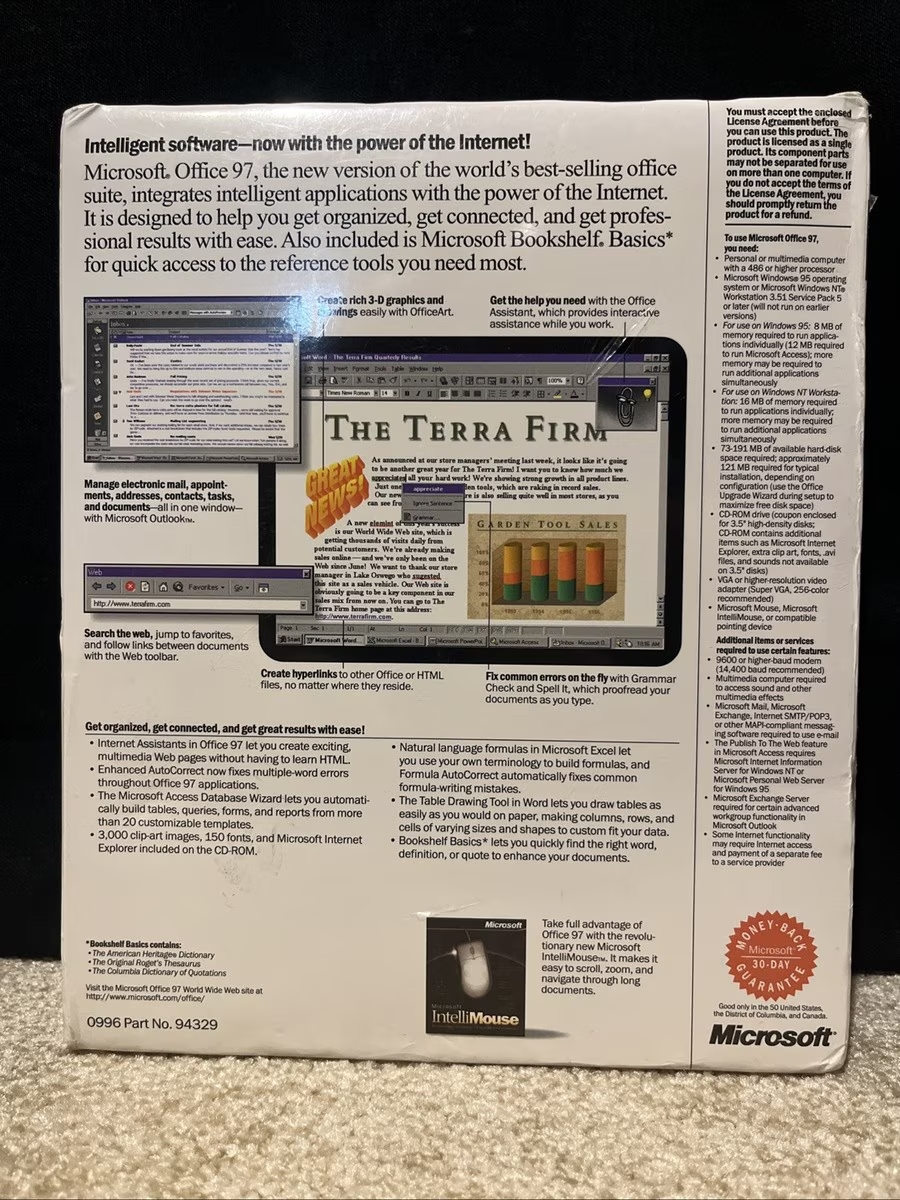
Chen doesn’t name it specifically, but it’s my understanding that the red underlines were named Spell It (meh), and appeared in Office 95 in 1995. Steven Sinofsky confirms it on his blog, adding “The red squiggles were simply reflective of a proofreader’s style of mark (also one of the early uses of color in the interface).”
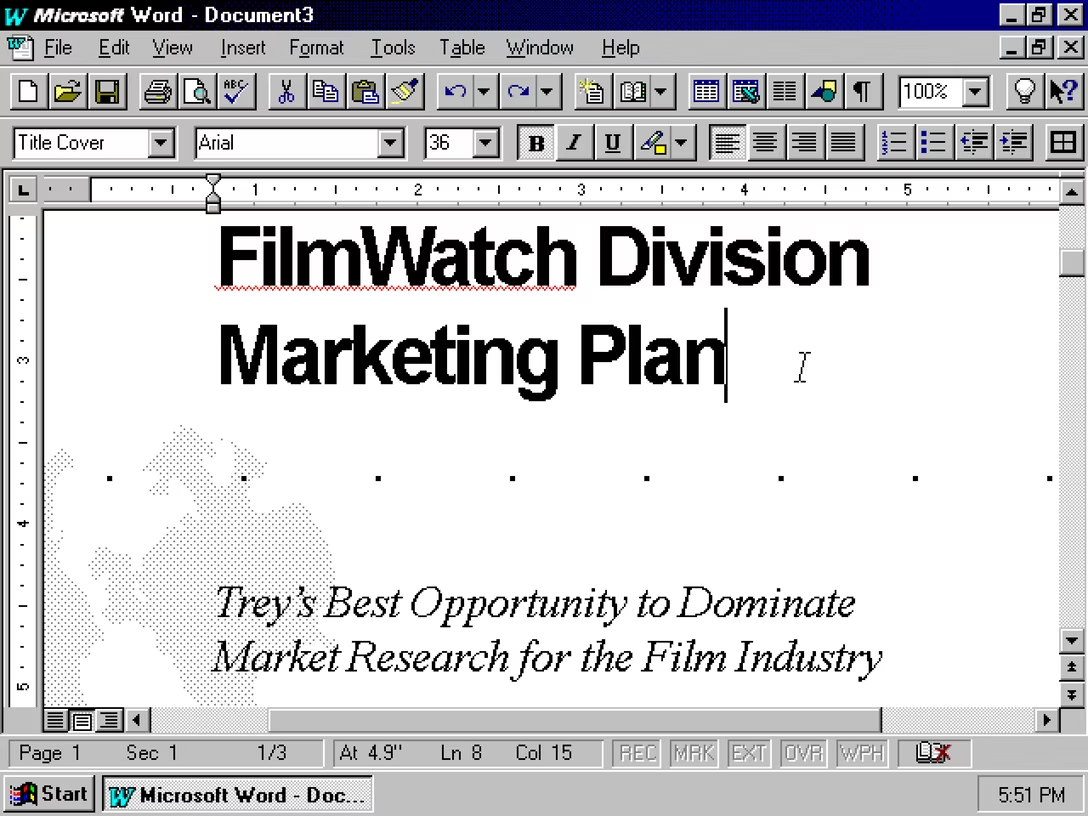
As far as I can tell by looking at various screenshots and photos of boxes, the feature wasn’t advertised at all. It was only mentioned more explicitly a few years later in Office 97: