“Icons that are iconic”
Apple might have undone the macOS Tahoe menu icons decision, but this wasn’t the only contentious iconography issue in their ecosystem.
On his blog, Jim Nielsen writes how Apple filed away so much expression by forcing rigid icon bureaucracy in macOS. Nielsen focuses mostly on distinctiveness; previously, you could make the icon unique by its general shape or the shape of its contents, but one of these two levers has now been taken away:
This over-emphasis on “systems” design seems endemic to modern software. Systems prescribe rules because they are the easiest attributes to document, enforce, and automate — “All icons must use this shape, this lighting, this stroke.” Excellence, by contrast, is harder to systematize. It requires judgment, taste, care, experience, and a sensitivity to context — all in service of meaning and purpose, not superficial similarity.
However, one also can’t help but notice how ugly and amateurish the Creator Studio icons are, so it all feels absolutely like a net negative – the new system took something away and the proposed replacement feels low quality:
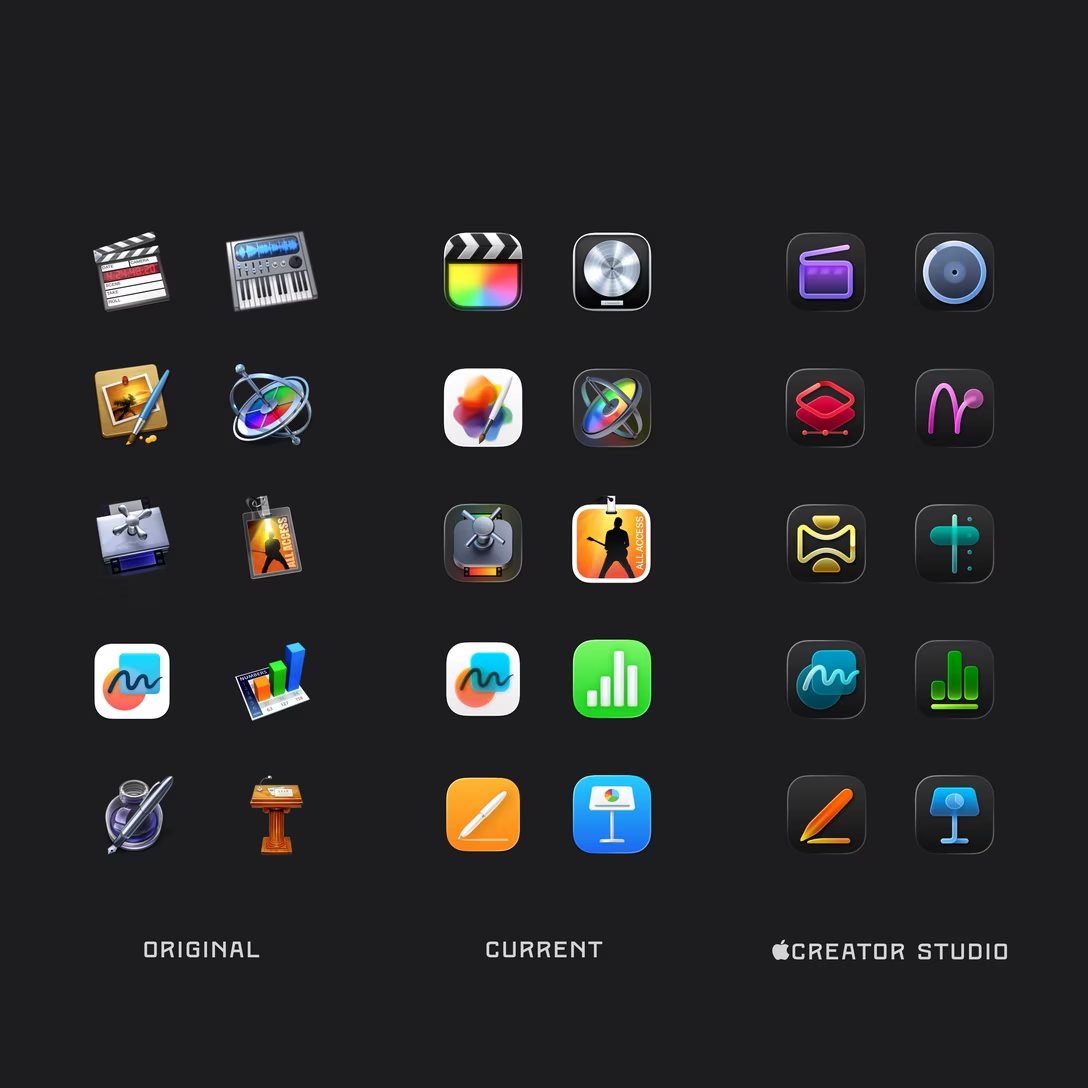
Elsewhere, on Rogue Amoeba’s blog, Paul Kafasis straight up asks Apple to undo the 2025 decision to contain macOS icons inside squircles:
Apple’s prohibition on shapes is a step backward for both usability and creativity in app icons. Icons are now harder to distinguish because they’re no longer allowed to be distinctive. But there’s no technical reason for it. Apple could, and should, once again allow icons to take on a wide variety of shapes.
Both these prompted me to think a bit of Apple’s app iconography as a system.
Let’s start with iOS:
- I believe the rigid squircle shape of app icons starting with the first iPhone was to make them look like a grid of buttons, and also to establish apps as a new primitive, particularly with the subsequent arrival of the App Store. (Similarly how over time “a face in a circle” became recognizable as a “personal avatar,” a user proxy primitive.)
- Soon, the rigid shape also helped when custom Springboard wallpapers arrived in 2010 – it reduced the likelihood of apps blending with the background.
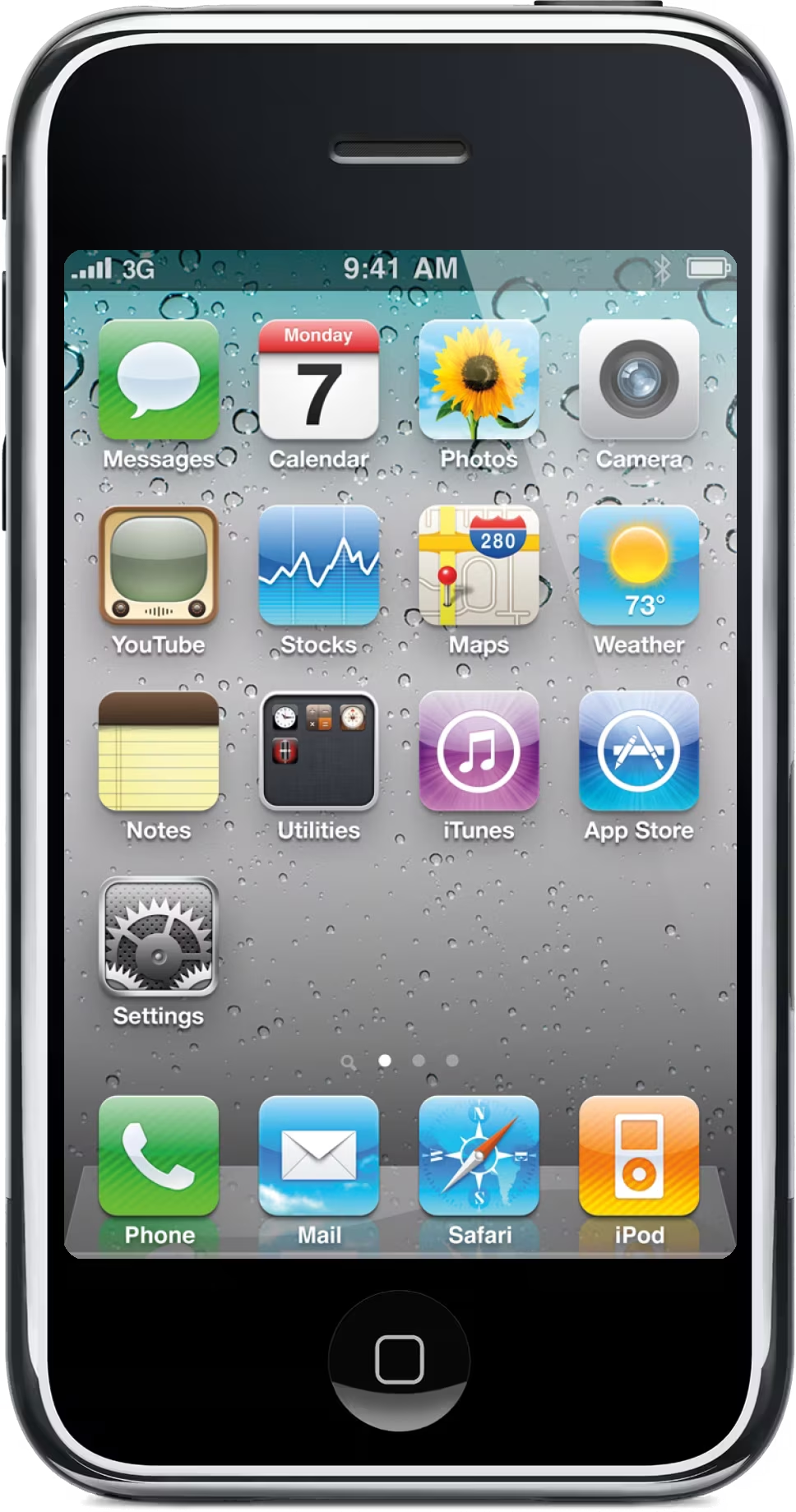
- Recently, a new option has been added to remove names of apps, which is another way to disambiguate them.
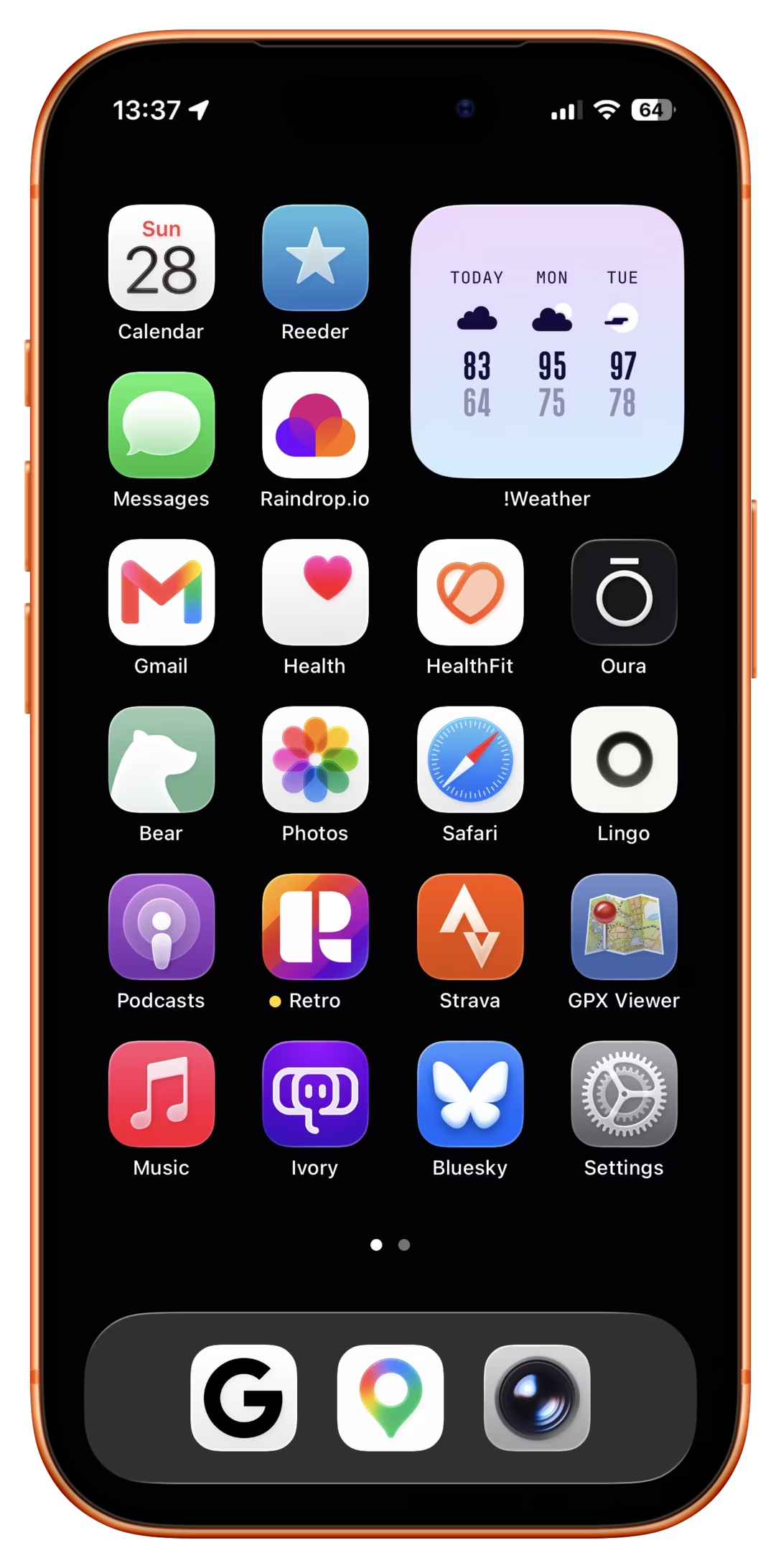
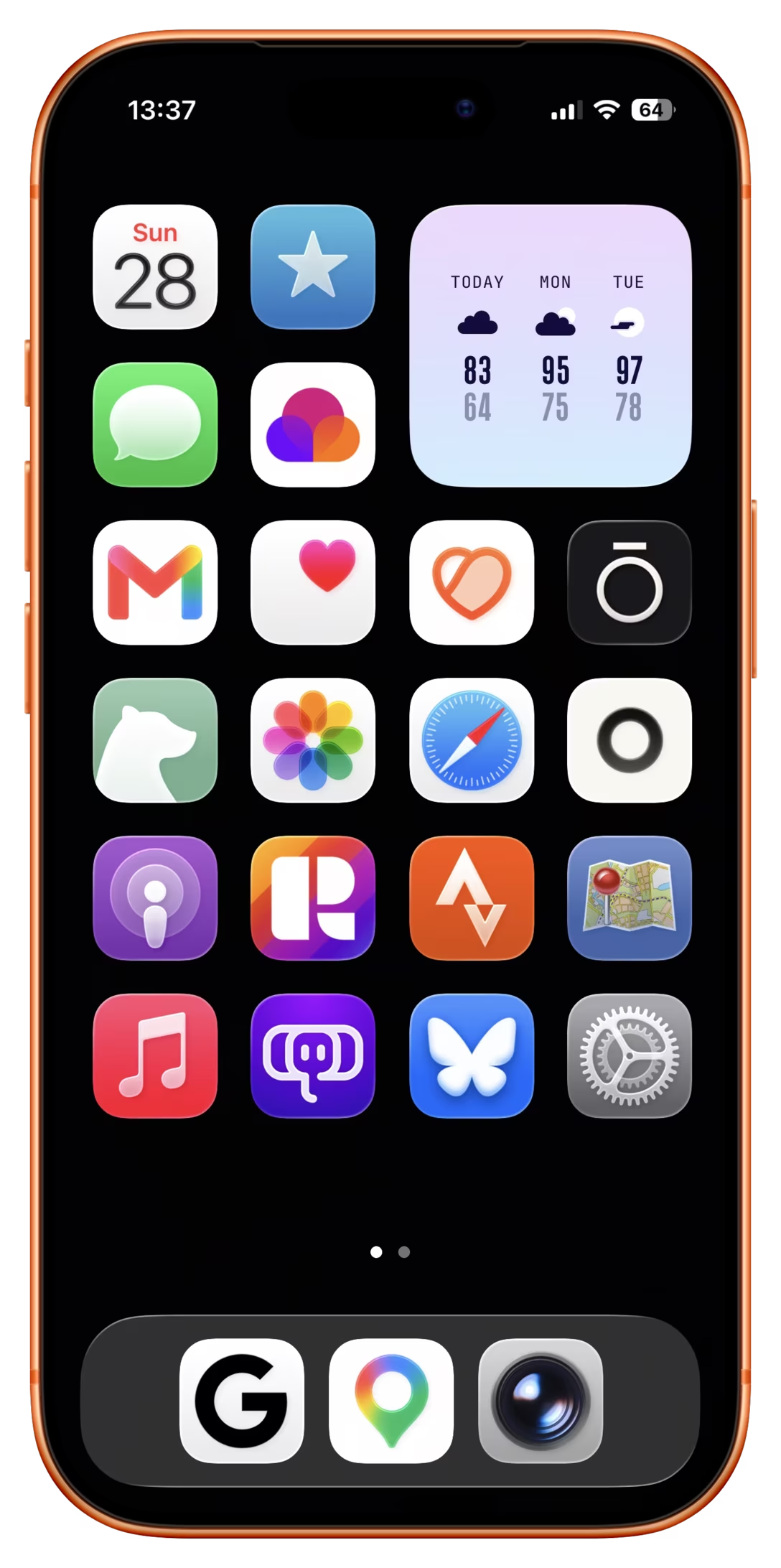
- Also recently, Apple’s generally unpleasant-looking theming options (color tinting and glassification) reduced color coding as a way to recognize a particular icon.
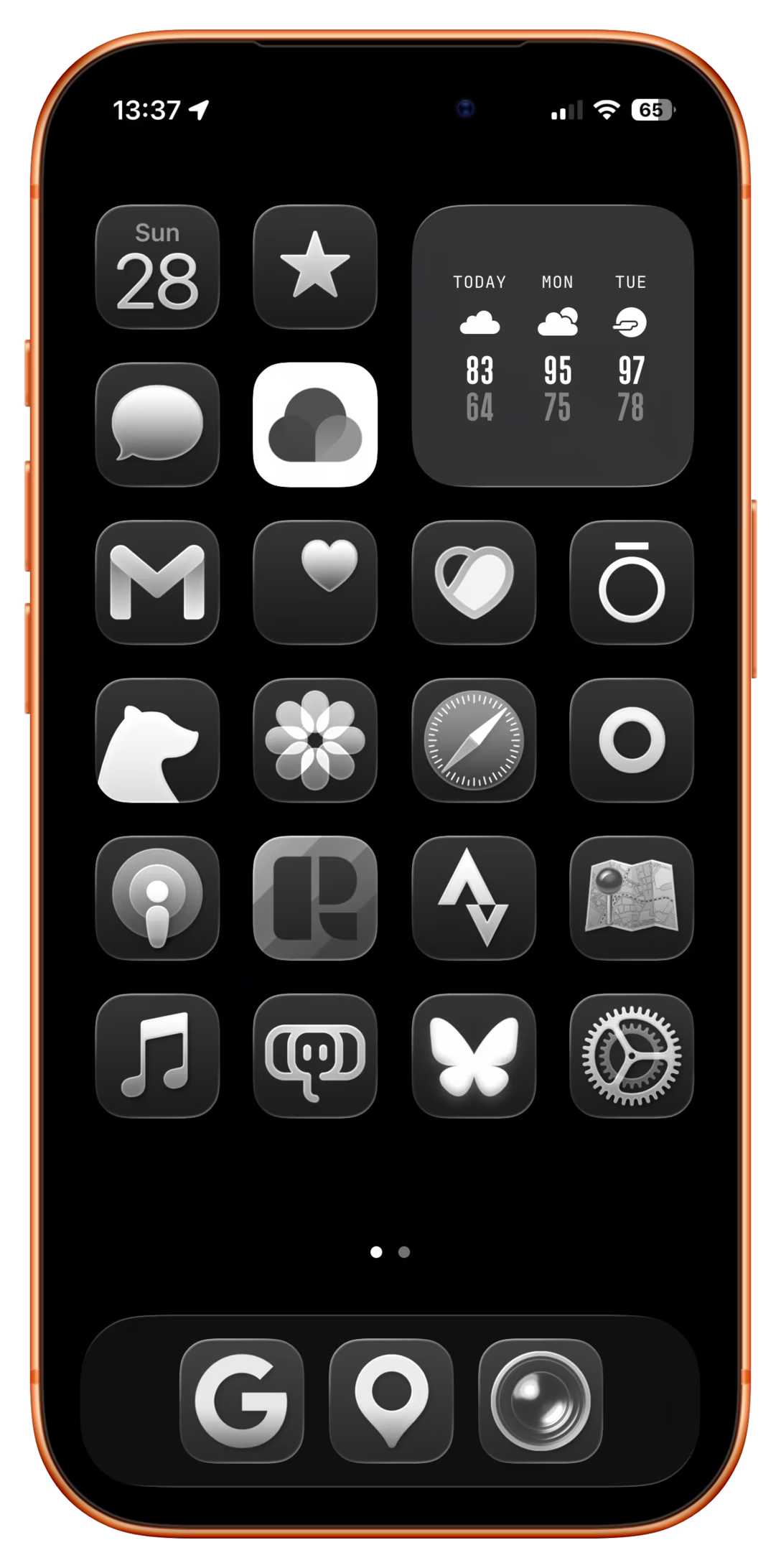
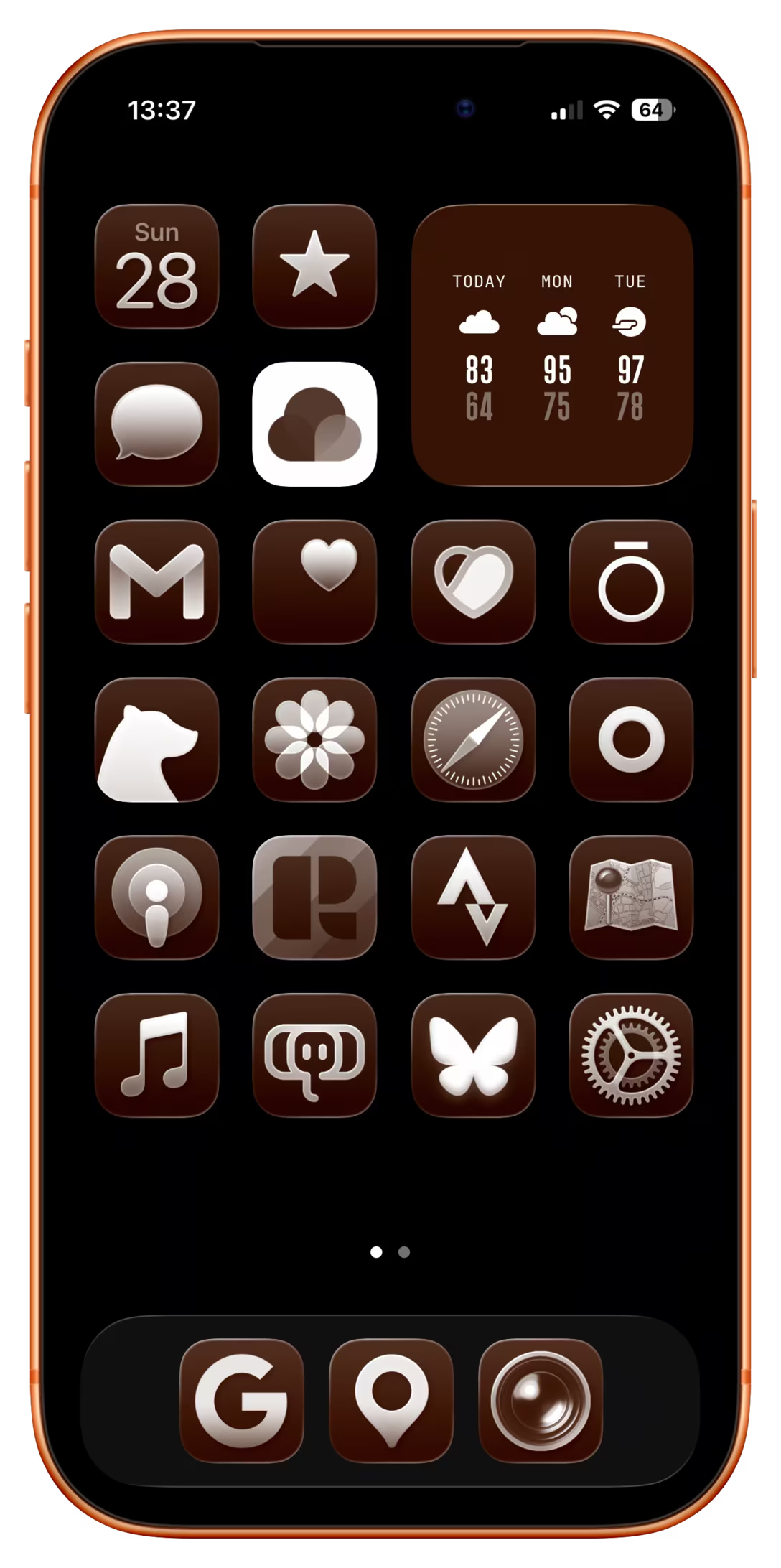
At the same time, iOS is still highly spatial. Most apps have a specific physical place on a specific page of the Springboard, or inside a specific folder. I believe that this helps a lot even if shape coding, color coding, and name disambiguation are failing or turned off to begin with.
Now, for MacOS:
- The original Mac OS X followed in the footsteps of the classic Mac OS and allowed arbitrary shapes, allowing for more flexible shape coding, although with some guidance on angles and styling:
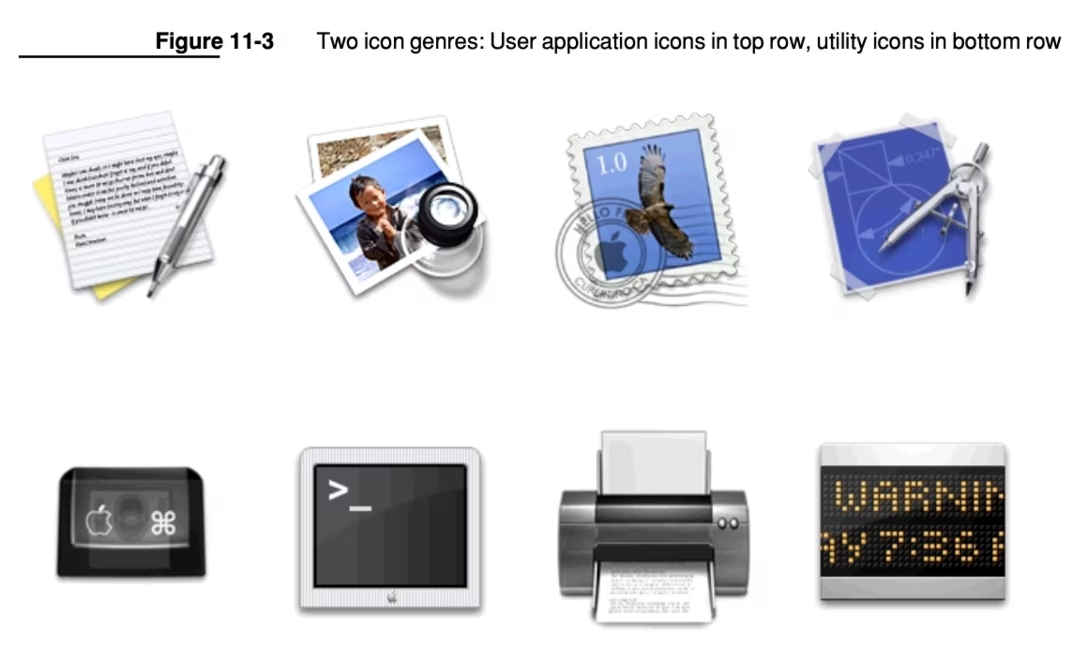
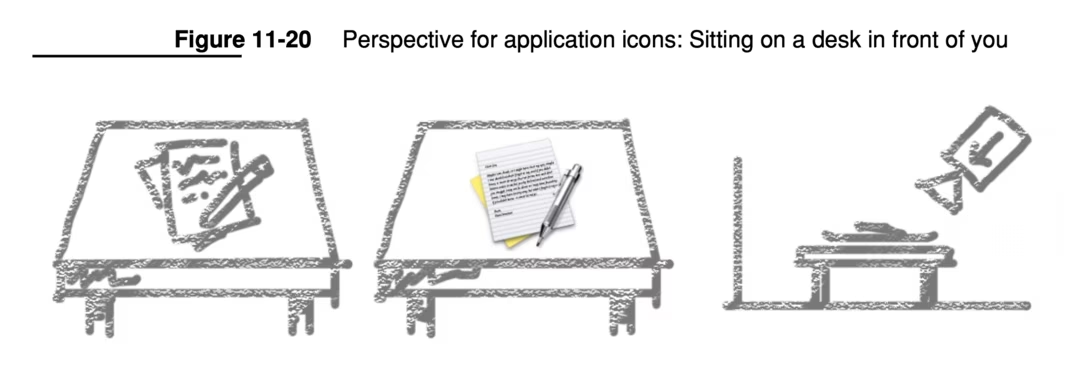
- However, more recently, the iOS squircle shape has been first strongly suggested (in 2020) and then rigidly enforced (in 2025) for macOS as well.
But then, the usage of app icons in macOS is different than in iOS.
First of all, macOS isn’t nearly as spatial as it used to be, and I would say not as spatial as iOS. Even Dock is more malleable compared to the memory palace rigidity of the Springboard, and its overflow section with suggestions and hand-off is very fluid. ⌘Tab is completely non-spatial and just like the Dock doesn’t upfront identify apps by their names. App icons also appear in more fluid contexts like Spotlight, Finder, and the right side of the menubar (I know iOS has some of those as well, but I would imagine they’re getting much less use overall). This all increases the pressure on icons to be easily distinguishable.
At the same time, there are fewer issues with custom backgrounds on macOS. Most icon surfaces have opaque backgrounds and while you can keep your apps on the desktop or put backgrounds in Finder windows, I don’t think that’s very common.
I’m probably missing some other aspects, but this would be my summary of where we’re at:
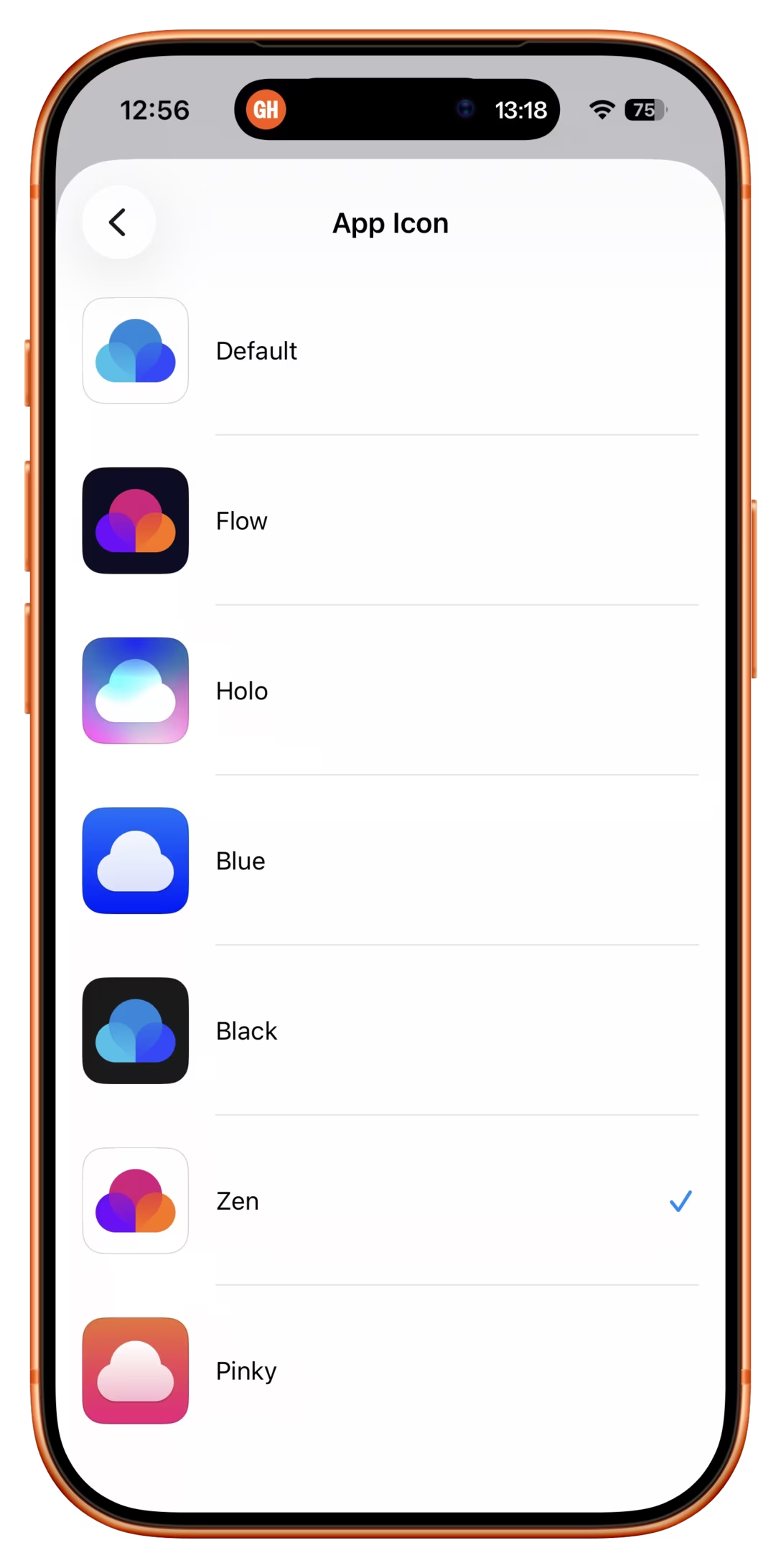
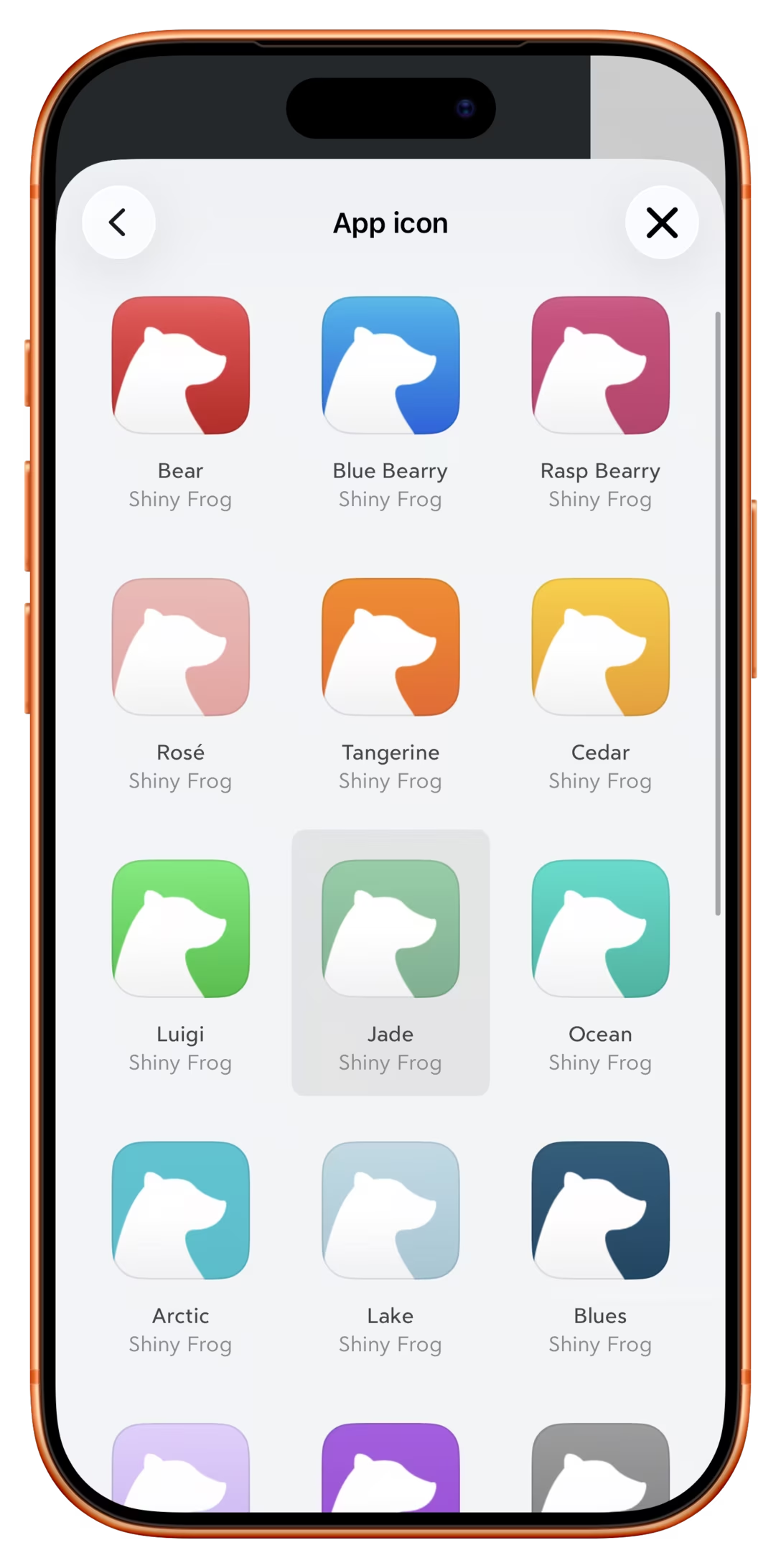
- Apple has not done a good job shepherding their app iconography system. The system feels too rigid, and some of its ostensible benefits (dark mode, color tinting, glassification) have been executed poorly. You could imagine a better tinting system that doesn’t feel like a cheap CSS filter applied to the icon, or (my dream!) a way to tint individual app icons. I personally love when apps – here Raindrop, Bear, and Retro – give you a lot of icon options in various colors, so I can invest in color coding:
- People’s trust in Apple’s skillset has deteriorated after the unveiling of horrendous icon redesigns in 2025’s Tahoe, and more recently in the abovementioned Creator Studio (the 2026 updates are nice, but very minor). This is in some contrast with other controversial visually-motivated changes appearing at the same time. Say what you want about Liquid Glass, but there are moments it looks absolutely gorgeous (see the video below for perhaps my favourite Liquid Glass surface). Forced menu icons felt similar: embarrassingly naïve as a system, but with icons themselves executed well (which you can still appreciate when perusing SF Symbols). But the app icon changes seem to have been assigned to the team that delivered on neither good visual craft, nor good systems thinking.
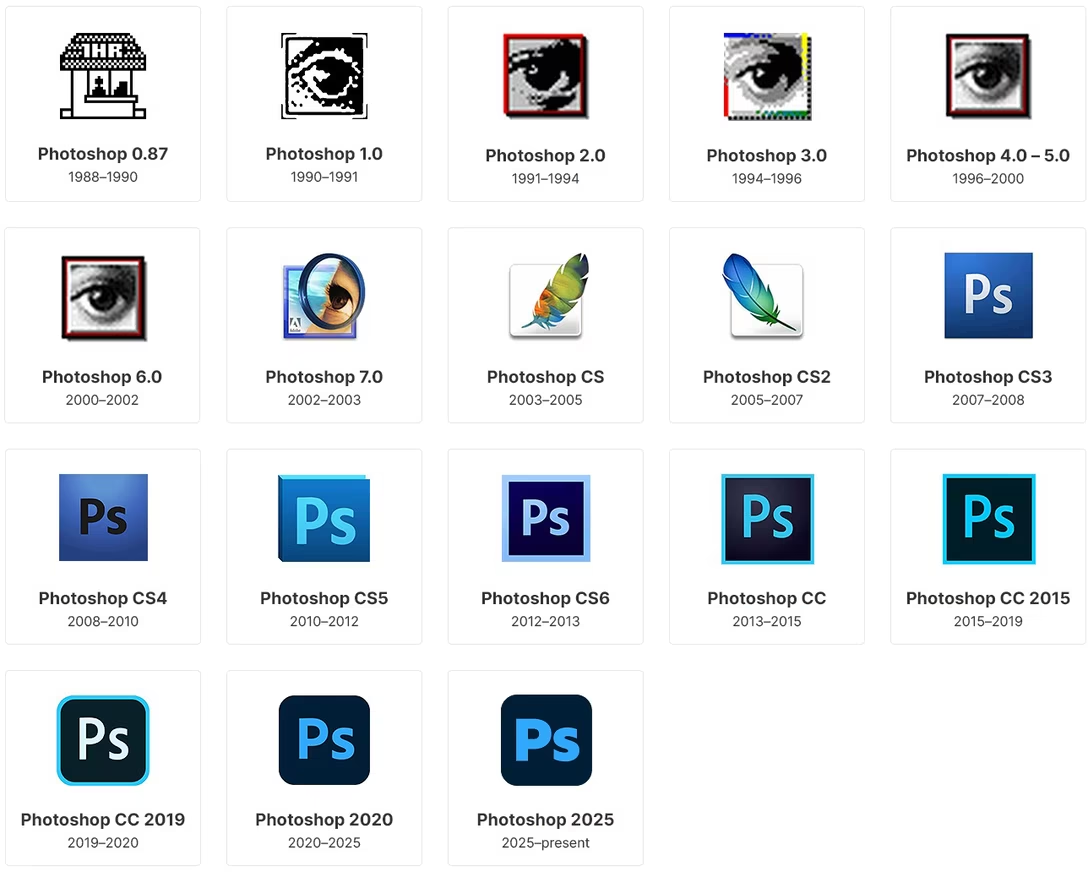
- I think it’s fair to look at Creator Studio specifically, and fear Apple is following in Microsoft’s and especially Adobe’s unforgivable footsteps in prioritizing abstract corporate identity goals over both functional and visual aspects of app iconography. Adobe’s product icons used to be beautiful and distinct before they got all shoved into the same “uppercase + lowercase letter” framework that became a canonical example of a system that took something away from the user but didn’t really give anything in return:
- I also feel this feeds right into another fear of Apple’s actions steamrolling over particularly indie app developers where being able to express one’s identity via the app icon feels much more important than it would be for a huge company.
- I don’t see Apple abandoning their stance on the rigid, distinctive app icon squircle shape. It’s possible that iOS apps will start appearing on touchscreen Macs outside of screen mirroring. Even without that, it just simplifies things for them, even if the jobs for macOS app icons are not the same as those for iOS app icons.
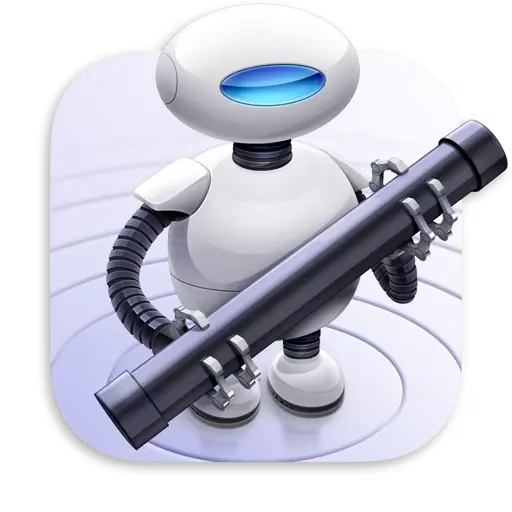
- At the same time, I could see Apple allowing the app icons to stick out of the basic squircle shape, like some macOS apps did in between 2020 and 2025; I believe it would even be possible to detect programmatically if the basic squircle shape is still there in the background. This would improve shape coding, and give icon designers some clearly much-desired flexibility. The icons below still register as squircles to me – why not allow this as an option? (For both macOS and iOS.)

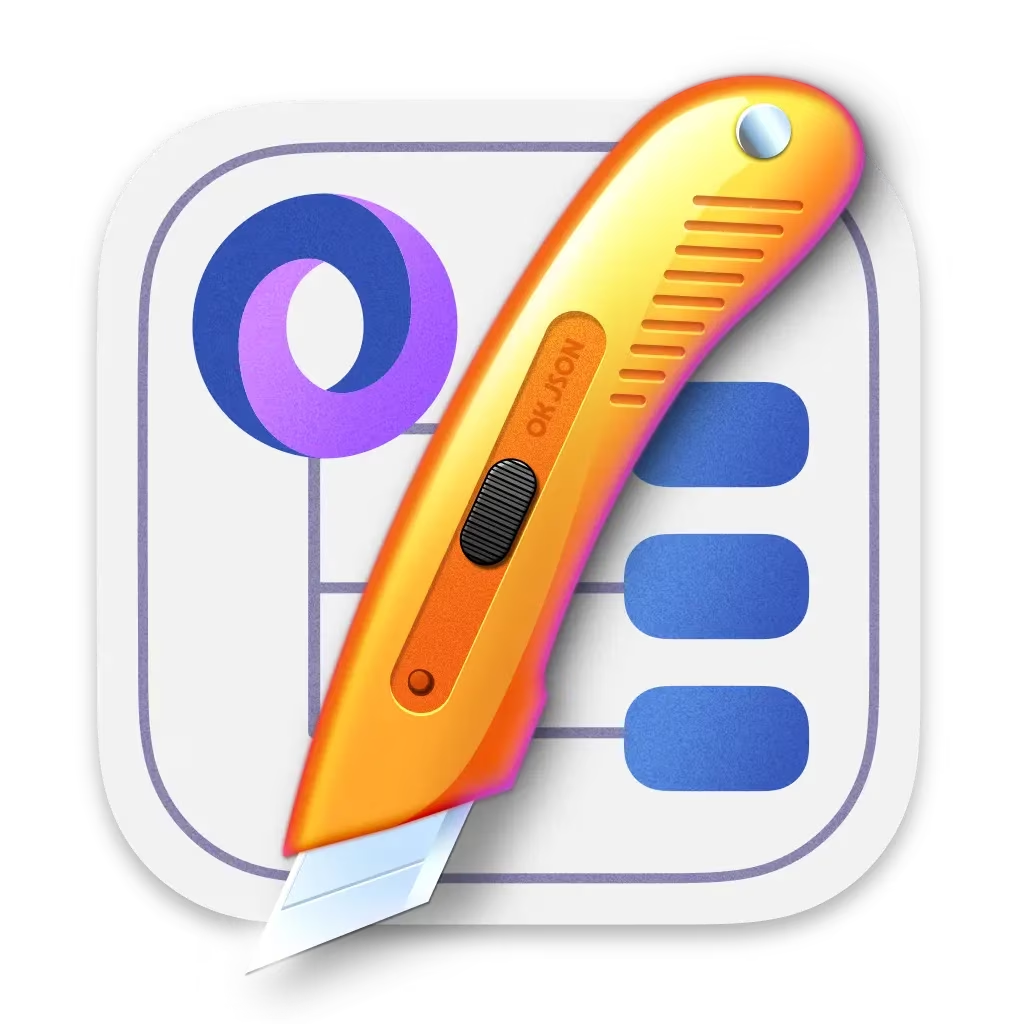
- I wish Apple standardized app icon changing UI on iOS. Right now, each app offers their own interface in a different place – you could see that above – and rarely links to that place from the Springboard’s long-press menu. But imagine if you could nicely change app icons in situ in the same flow when you’re customizing the Springboard itself! (And then, the same for Dock and macOS.)
- I think it would also be a nice gesture to allow to rename iOS Springboard apps to whatever you want the same way you can rename folders, to give some users an opportunity to disambiguate by that if everything else fails.