Linear’s visual key feedback
The task manager app Linear does something interesting I have not seen before. In the keyboard shortcut tooltips, it highlights the modifier keys you already pressed, to give you confirmation you’re on the right track:
I think this is nice, particularly given that the modifier key situation is kind of a mess, and particularly if you consider some keyboards present their modifier keys like this:
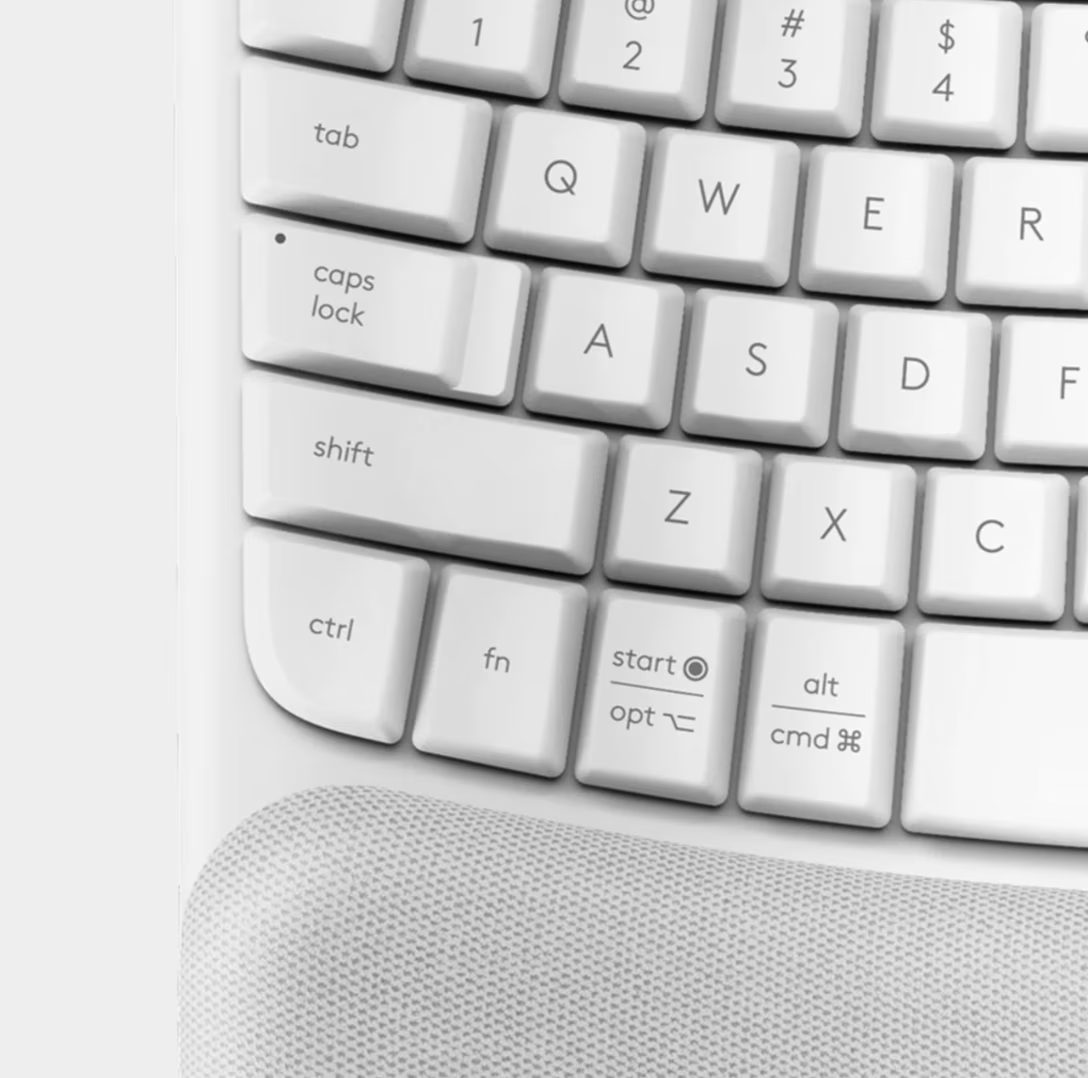
I think it’s valuable to offer a connection between your fingers touching keys and something happening onscreen in real time – similarly how the blinker arrow in your car pulses exactly at the same rate as the sound it makes, to help you connect the two.
However, Linear does not do this in all the contexts:
While the first two videos might be simply bugs, I am not sure about the last three. It’s entirely possible this was done intentionally because these surfaces – the menus, the command palette, and the keyboard shortcut pane – do not support actually invoking the shortcuts. (Pressing the listed keys would not actually achieve anything.)
But I still wonder if this was a good call. One of the most important things for any new systemic pattern is building trust: making sure it’s consistently applied in all the nooks and crannies so that the user can understand what it does, learn to rely on it, and form the habit. Just one place where it doesn’t work might make it easy to just give up on it altogether.
Perhaps this is an example of how hard it is to design a cohesive system, which in Linear’s case is compounded by the fact that a lot of shortcuts start with regular keys like G and O and P, exacerbating focus issues. Either way, it’s delightful to see someone doing something new in this space.