“Naïve, simple, not good enough.”
This is a thoughtful post from Florian Schulz about designing a typeahead experience.
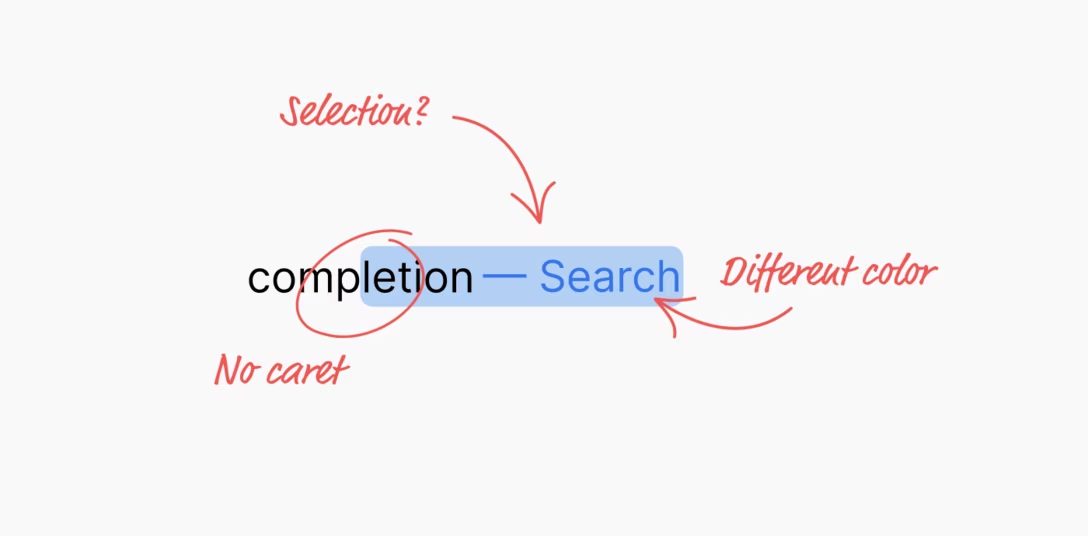
I liked the details both within the implementation – for example, making sure the kerning is preserved! – but also in the presentation. I particularly enjoyed Schulz making the component demo itself, rather than using prerecorded videos. (I was delighted to discover that even the first large “picture” of the component is actually interactive!)
A small comment to this bit:
Unfortunately, not all browsers expose the selection or accent color of an operating system. For example, if a user would set the accent color in macOS to pink, the special CSS keyword color “Highlight” will still result in a light blue color in Safari. In other browsers like Chrome, the color will match the user preference. But since this is an attack vector for user tracking / fingerprinting, Apple made the right choice to hide the user preference from developers.
From my understanding, this is not necessarily correct. For example, in theory, the purple visited link color can be used for fingerprinting, by building a profile of whether or not I visited one of the hundreds of popular websites, quietly in the background.
The way browsers solve this is to never expose the color programmatically back to JavaScript – if your code asks for a link color, it will be blue regardless of whether the link was visited or not. It seems to me that the Highlight color could be used the same way here. Given that CSS now supports things like color-mix(in srgb, Highlight 20%, white), it would even allow a designer to riff on the color without ever knowing what it is.