Unsung Heroes Repeat in Excel 97
As a teenager I adored Norton Commander, learned some UI magic from early videogames, and dreamed of a Mac my family couldn’t afford. But I think the first product that taught me something truly memorable in terms of user experience was, of all things, Excel 97.
Excel 97 cooked. It was rendered in brand-new, gorgeous Tahoma, had keyboard underlines everywhere, and felt complete in terms of features. Sure, you could maybe sense the beginning of the bloat with the reorderable menus and the bolted-on Clippy, but Excel 97 felt tight and zippy even on an abominable computer put together on a high-schooler budget from used hardware pieces that were never meant to meet.
But what made me love Excel 97 was one specific thing: the Repeat command. You could invoke Repeat via Ctrl+Y, but my fingers learned to love its stranger alter ego, F4. This is what pressing F4 did:
It was a bit more clever than just replaying the previous action. If you changed the font and its size, it would repeat both:
And it didn’t only repeat formatting, but also some actions:
There are, of course, many other solutions to make these things less tedious:
- make a complex selection first (if possible), and format later,
- use styles instead of naked formatting,
- copy/paste formatting only,
- paint format from one cell to another,
- record and repeat keystrokes,
- save individual actions into bigger macros and reuse them.
…and some of them were even available in Excel 97.
But it was Repeat that stole my heart. I think this is because it was two types of magic combined: the magic of motor memory + the magic of smart software.
The first part meant that soon, it didn’t really feel I was pressing F4. The shortcut lodged itself in my fingers and in time, it became a gesture as natural as pressing Backspace or arrow keys. All the other alternatives above required thought or bureaucracy, but Repeat was mindless – I would occasionally watch my hand perform it on its own.
The second part is that F4 felt like it was reading my mind. There were no options; Repeat just always seemed to do the thing I expected from it. As I understood this kind of functionality more, years later, I learned to appreciate the deeper thinking necessary to make it work. Repeat wasn’t actually repeating keystrokes and commands – it was some tricky dance of adjectives pretending to be verbs, with groundwork necessary so that the system felt stable and consistent.
The feature wasn’t flashy. It didn’t even have a separate toolbar button. But it was beautiful.
Repeat is still there in Excel on my Mac today, in Google Sheets, and a few other apps like BBEdit. It’s often an extension of redo, although I prefer thinking of it as something independent. Some apps like Sublime Text or Keyboard Maestro have a quick record/repeat function that feels similar, although it’s not as smart – this one is solely repeating keystrokes, and requires you to start recording first. (Part of Repeat’s beauty is that it works retroactively.)
If you look at the keyboards on my desk, they all appear blank…
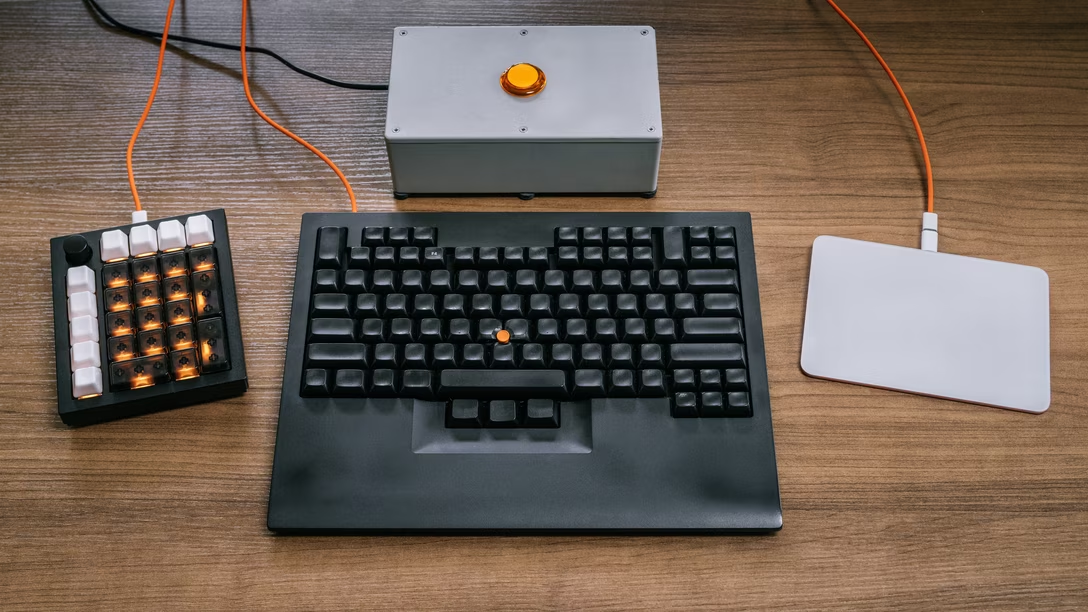
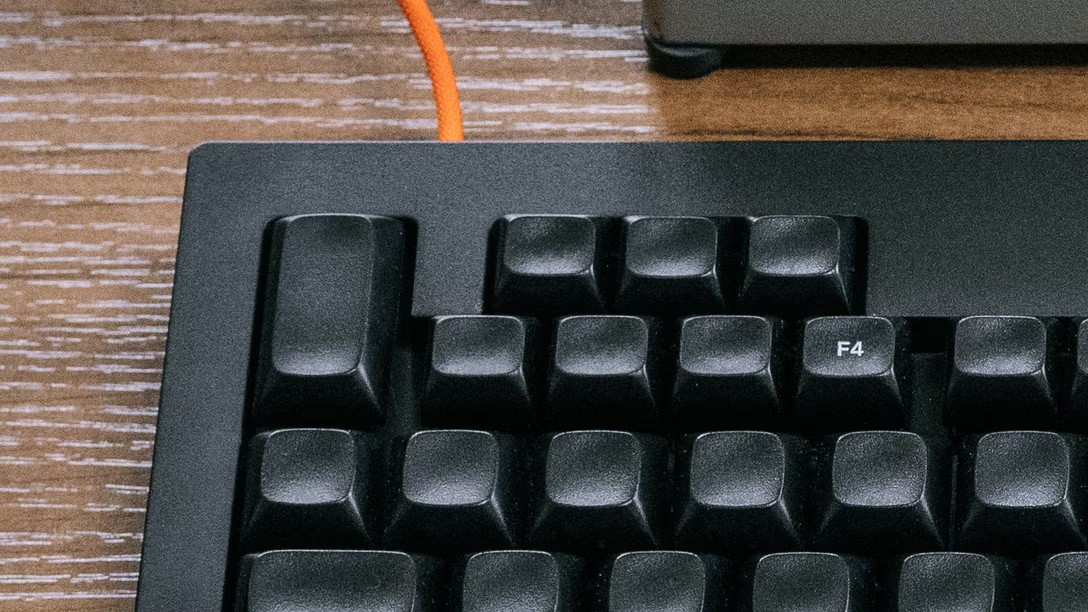
…with one exception:
Repeat was fantastic. I wanted it as a user elsewhere. Then, as a designer, I wanted it for my users.
In time, I learned to appreciate other things like it, but both the solitary legend on my keyboard, and the current favicon of Unsung, are an homage to the original, 1997’s Repeat. (Original to me, at least. Repeat existed in Office 95 too, and perhaps in some other apps before that.)
If I got to spend my entire professional life designing hard-to-make, invisible things that make other people feel powerful and awesome, it would be a life well spent.