A time machine in Logic Pro
A nice moment in Logic Pro, a music app. Like with most such apps, you can press R to record you playing an instrument. However, if you forgot to play record, or were just goofing around and stumbled upon something wonderful, you can press ⇧R and the recording will appear anyway, as if you had a time machine. This is a quick TikTok video showing it in action:
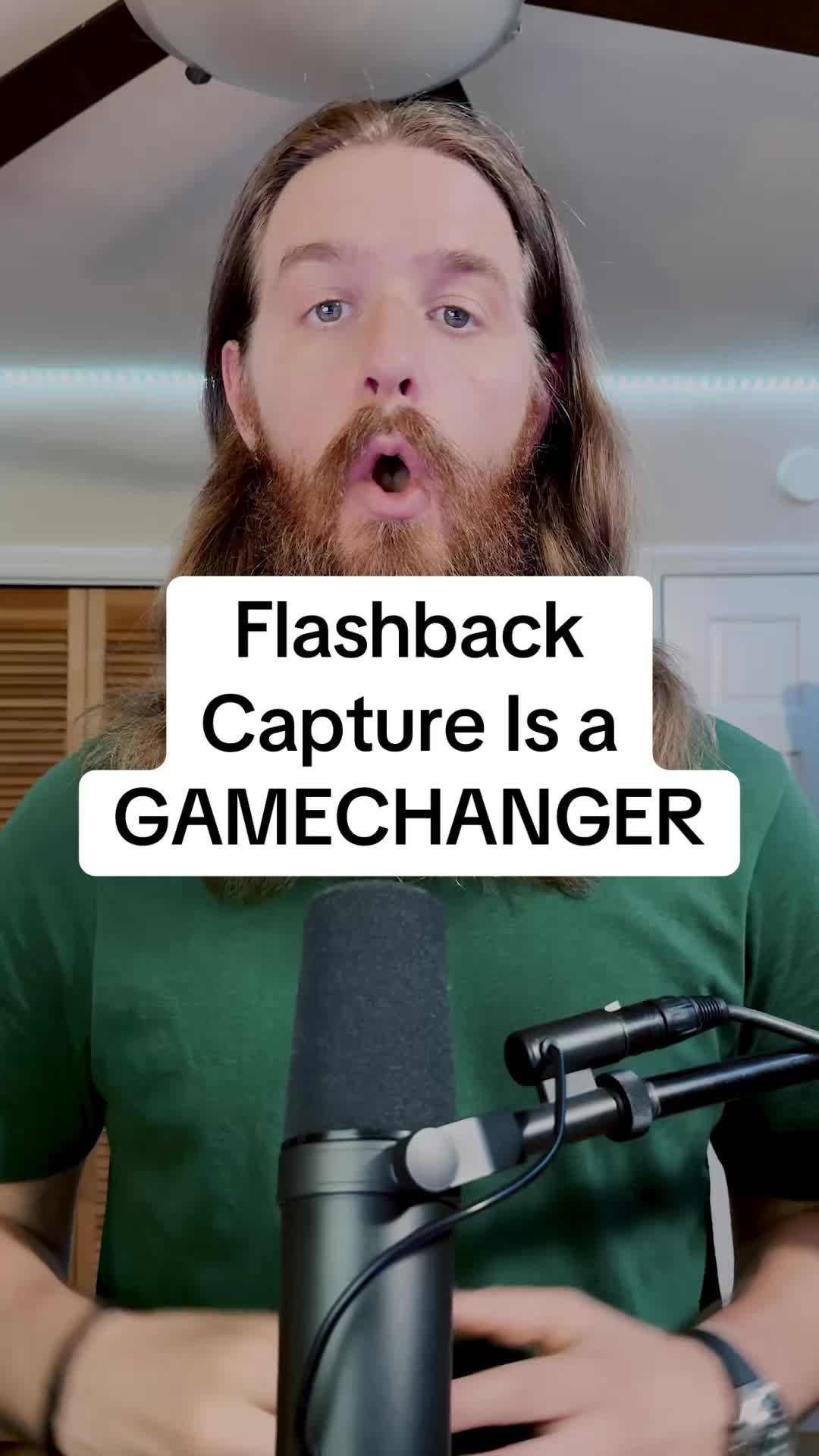
The feature is called Flashback Capture. Of course, just like with undo send, this is no magic. The app is always recording the events quietly, and then offers you to make them “real” if you want.
I dug around and I found a support document that offers a rare view into the mechanics of this feature, which are slightly more sophisticated than I imagined:
When playback is stopped, Flashback Capture creates a separate region containing all the MIDI events received since the last playback. However, after a pause of 20 seconds between incoming MIDI events, those initial MIDI events before the pause are discarded. If when playback is stopped, you perform some MIDI events and then pause for 1.5 bars or longer, those initial notes aren’t included in the visible part of your region. If you do want those MIDI events to be included in the created region, you can drag the left region boundary to expose them.
What it seems to say is:
- If there is a longer pause within your play, the notes are still recovered, but hidden. You can always drag to reveal them, but in effect, only the most recent of your notes are immediately visible – a nice touch. (The moment you start dragging, it also shows you a quick preview of where you’re going, which is also thoughtful!)
- If the pause is 20 seconds or more, all the notes before that pause are no longer preserved – presumably to prevent too much wasted data in your file.
- However, after you stop playing, you have infinite time to invoke Flashback Capture and recover the notes.
This seems like a good and thoughtful feature that prevents data loss, a sort of magical “reverse redo.”
Thank you to Chris Krycho for telling me about this feature, which is apparently also available in other music apps, e.g. Cubase and Dorico.