“It moved too slowly to be an asteroid.”
In the previous post, I wrote:
I understand that the best way to compare two things visually is to switch between them promptly in situ; our visual system is really good at spotting even small changes when aided this way.
I thought it would be fun to talk about it briefly, because it gives me a chance to show you a really fun device:
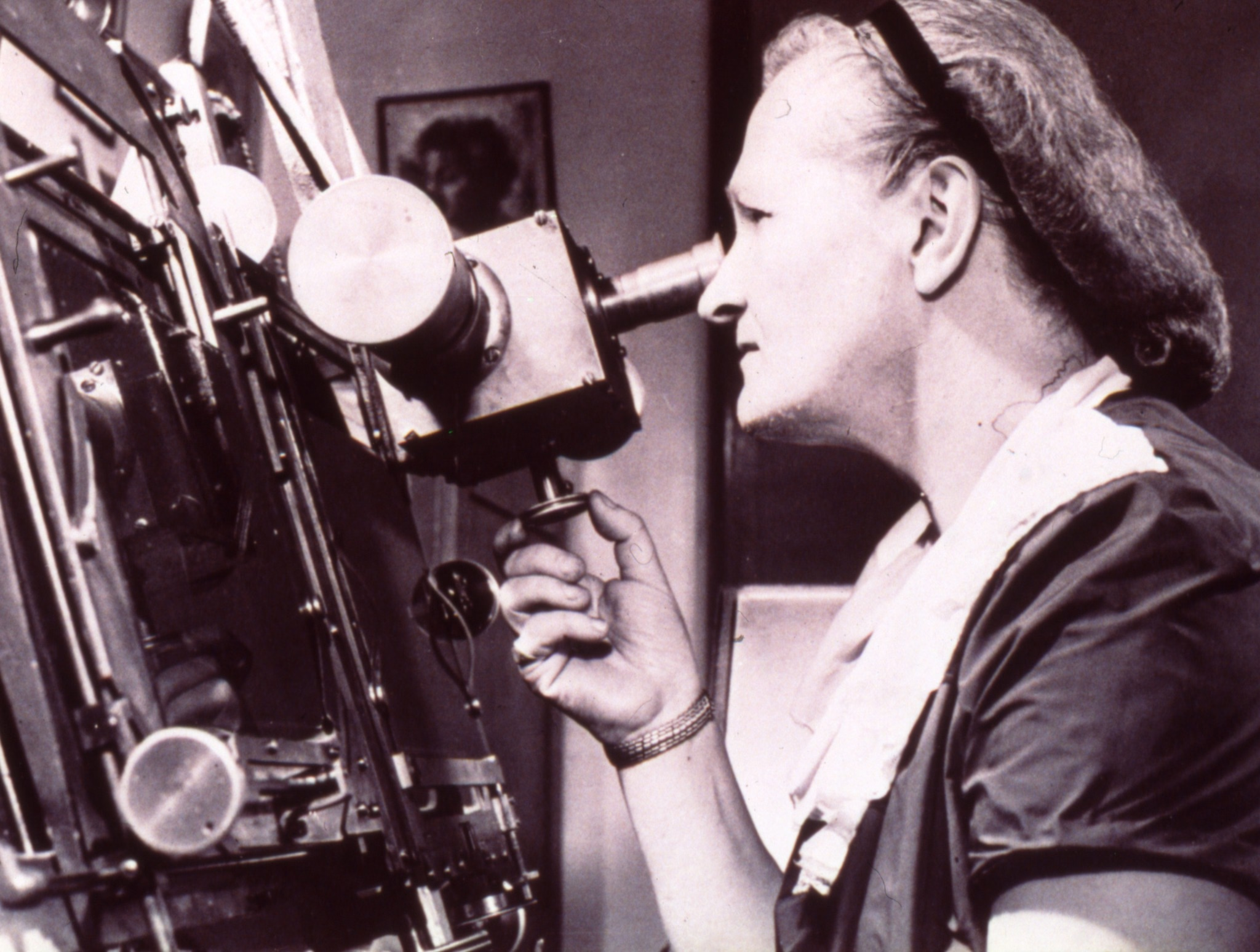
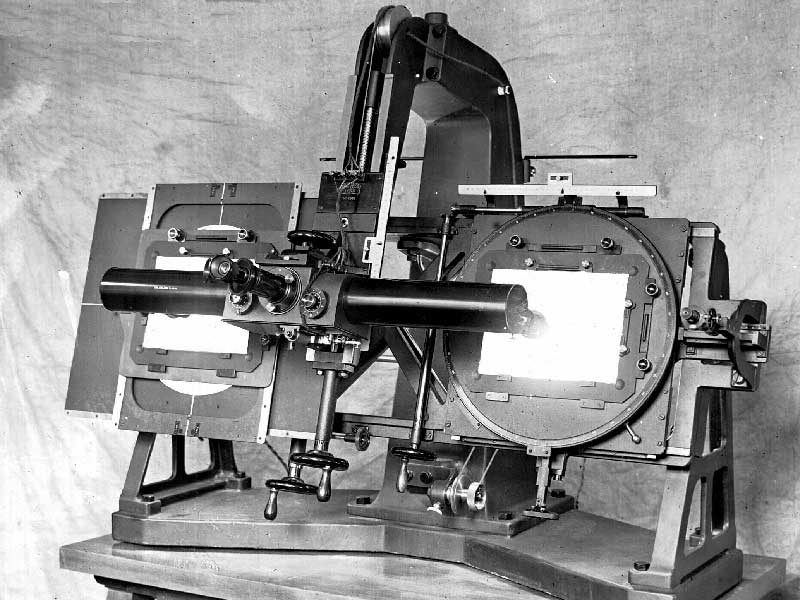
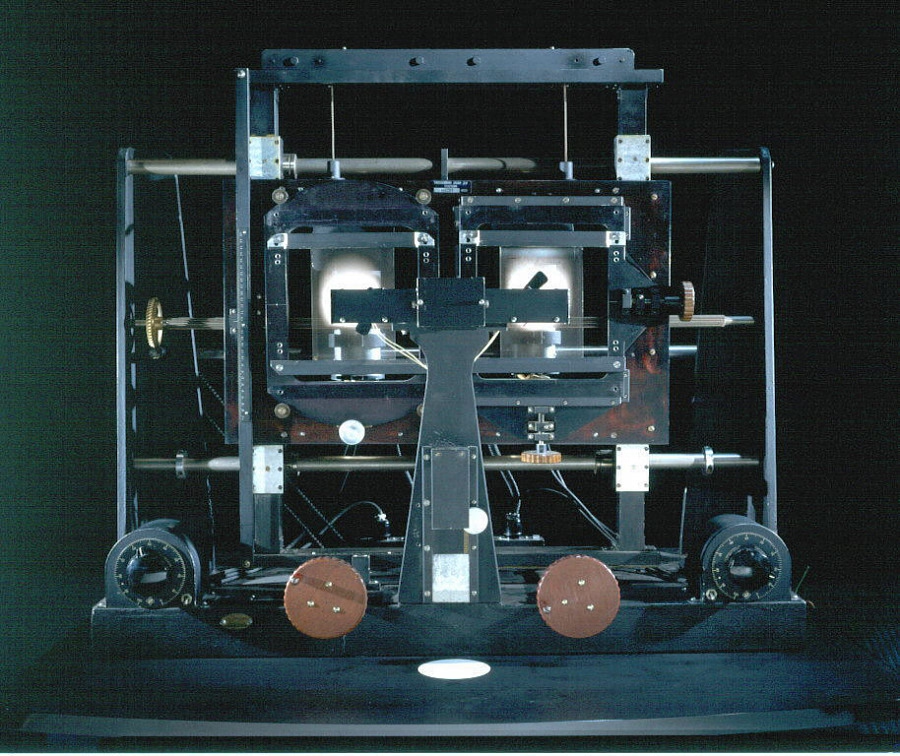
This is a blink comparator, an apparatus built for astronomers to easily flip between two images of the night sky, taken at the exact same position some time apart.
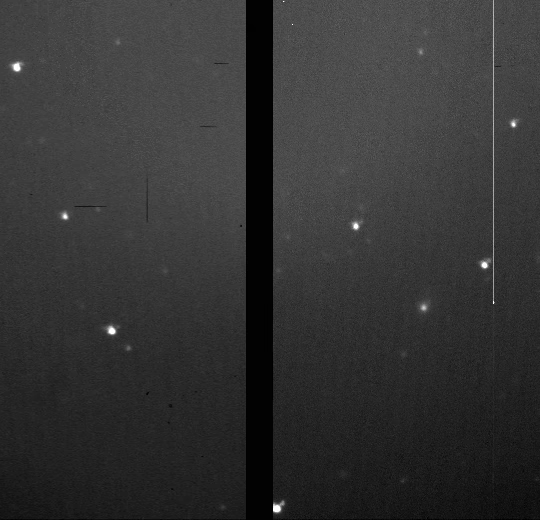
It makes it easy to spot a moving asteroid, like in this set of two photos:
Blink comparator was used in 1930 to spot Pluto:
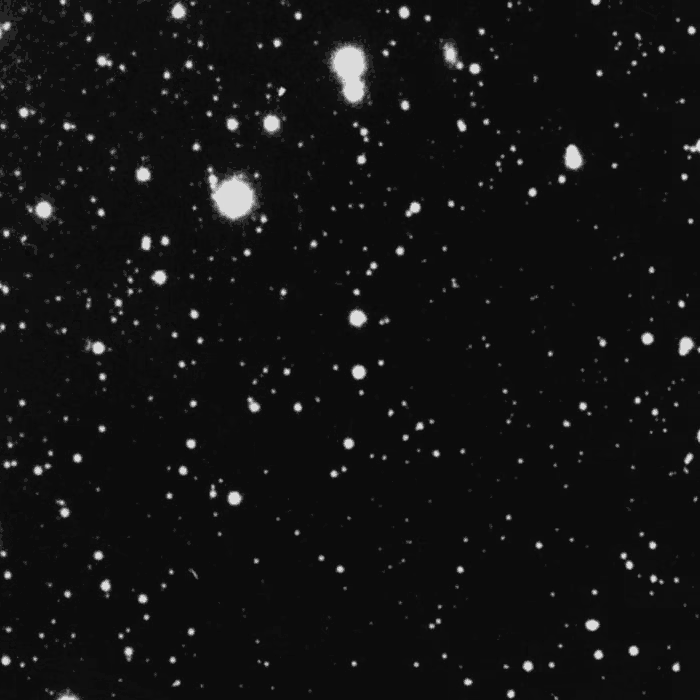
(Pluto is the blinking dot a bit to the top and to the right from to the center – that dot moves to the left in the other frame. The fact that it moved at all made it an object of interest, but it didn’t traverse the sky like an asteroid or space debris would.)
This is why the “spot 10 differences” puzzles are always shown side by side…
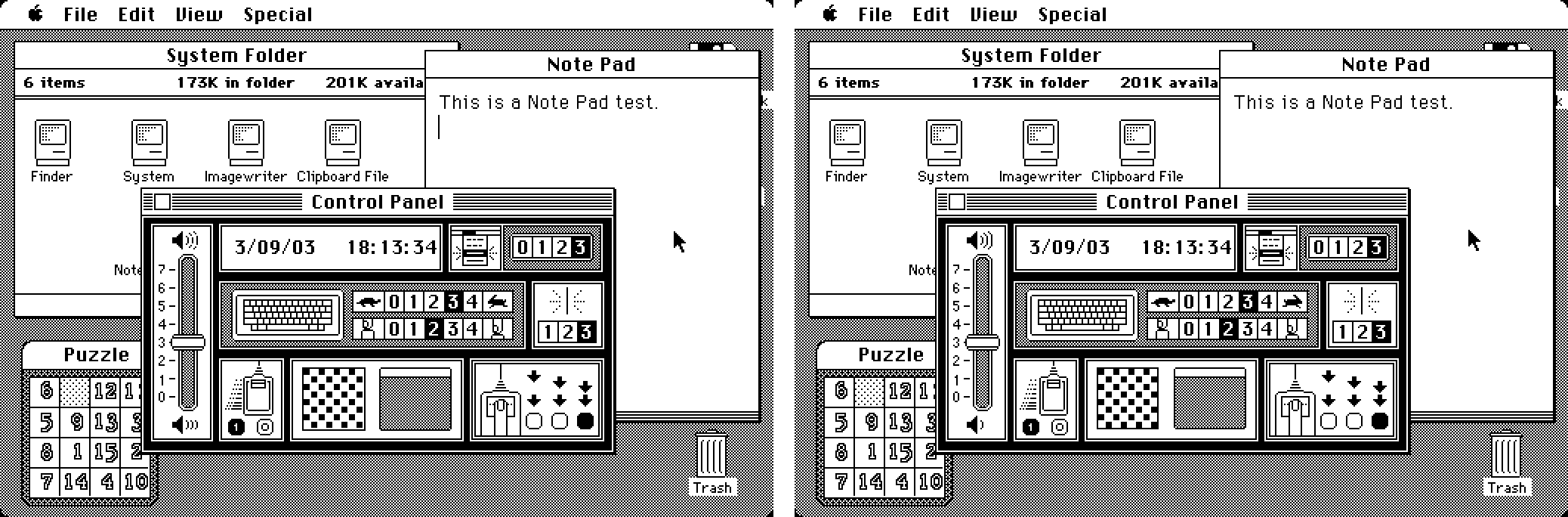
…otherwise everything would be much, much easier to spot:
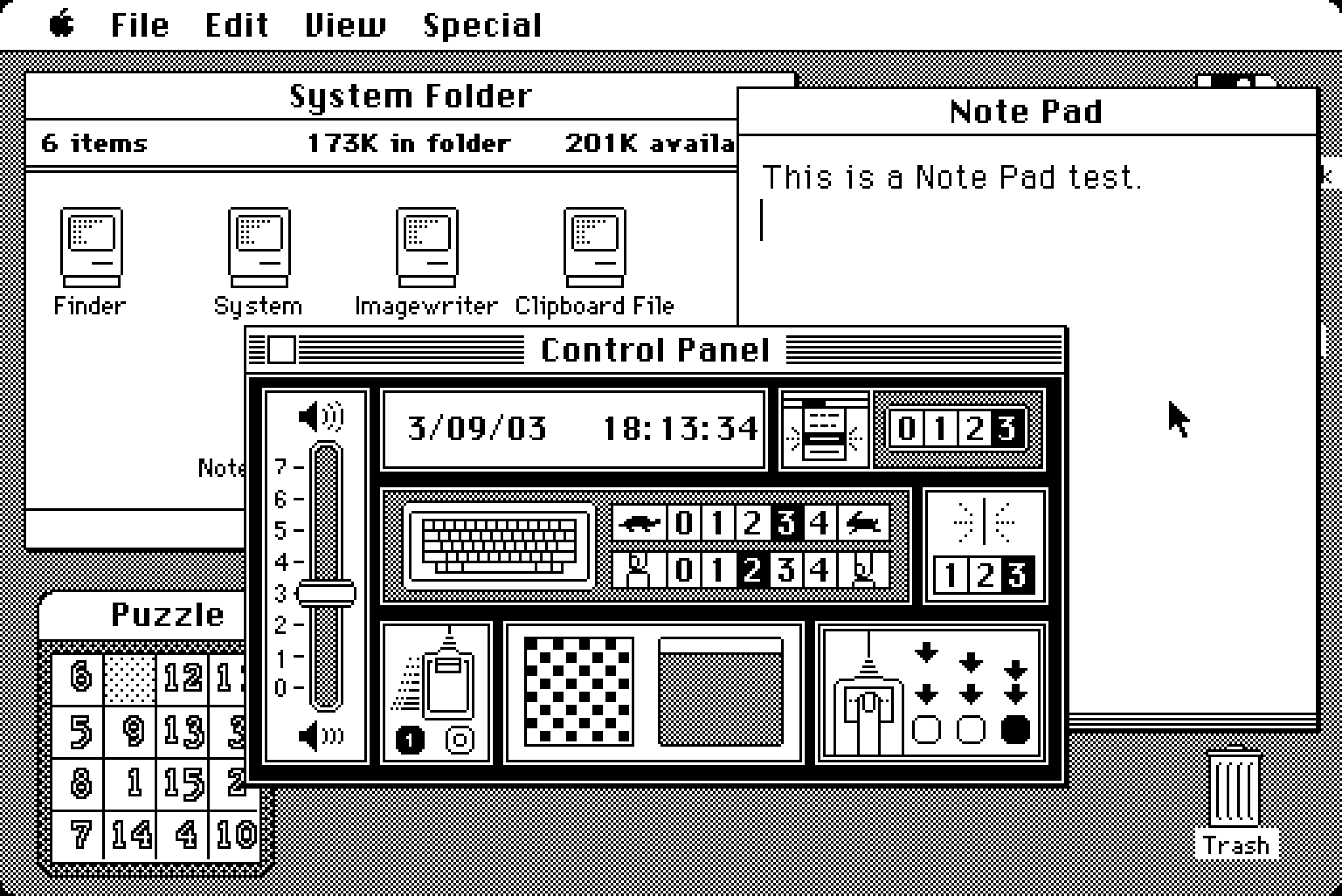
Today, this kind of stuff doesn’t require complex devices, but it’s useful to know the principle.
If you’re comparing a reference design with its implementation, instead of measuring things on both sides it can help to align them in two windows, and then switch between them using ⌘Tab.
If you’re working on an interface for users to see differences between two images – don’t (just) show them side by side, but also allow your users to flip between them this way. And, resist the very natural urge to add any transitions that would seem to be nicer and friendlier; it is sharply switching between images that is the most effective.