Limitations of magic
There is this lesson every programmer learns when building or debugging something, and it’s “reduce your blast radius.”
Let’s say I want to draw some stylized text showing current time in some code I haven’t touched in a while. Instead of doing all that in one fell swoop, I should:
- use a non-changing test string, instead of the current time (so I reduce the surface area of things that could fail)
- start with unstyled text, instead of immediately stylizing it (same as above)
- or, even, begin by modifying the text or color of something that’s already drawn, to make sure I’m touching the right file, that the compilation succeeds, that auto-refresh works, etc. (perhaps using the venerable
border: 10px solid hotpink, as mentioned recently by Roel Nieskens)
Coders intuitively develop a sense of how big of a leap to take in what situation. You can theoretically noscope a complex regular expression in one go and it will feel fantastic, but if you fail, you might end up going slower than someone who attacks the problem piece by piece.
There’s a version of this outside of programming, and I sometimes call these peace-of-mind functions.
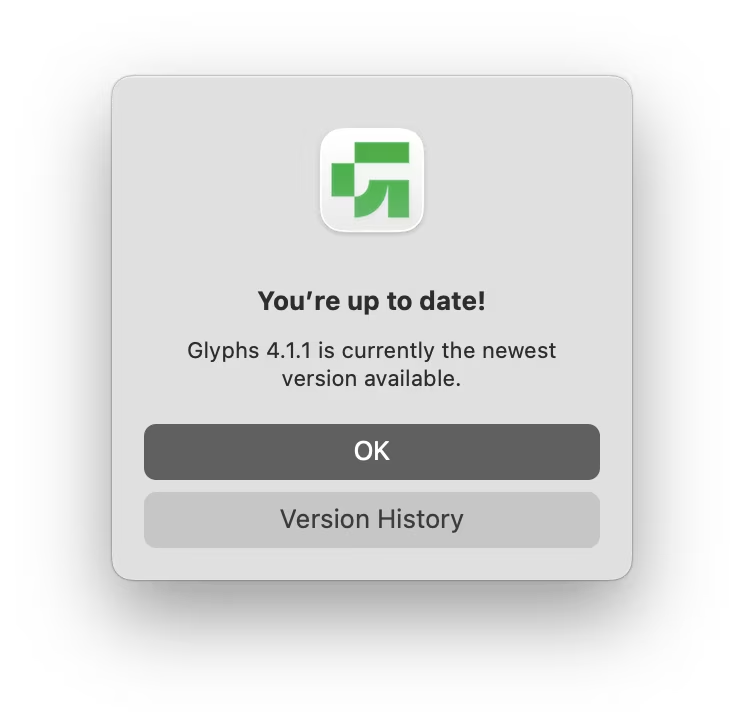
Perhaps the most common one is a menu command called Check for Updates, found in many apps. At least when it comes to kind software, “newer” means “better,” so if something seems to not be going well, making sure you’re on the latest version can save some headache.
Here’s a pretty standard example in Glyphs:
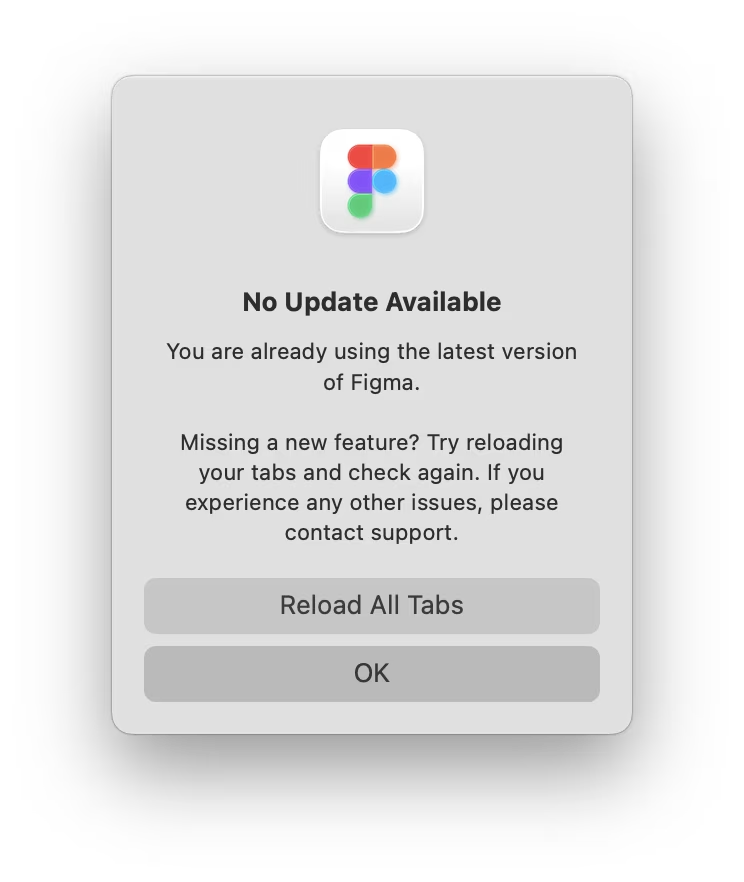
Figma goes extra, explaining its slightly more complicated situation:
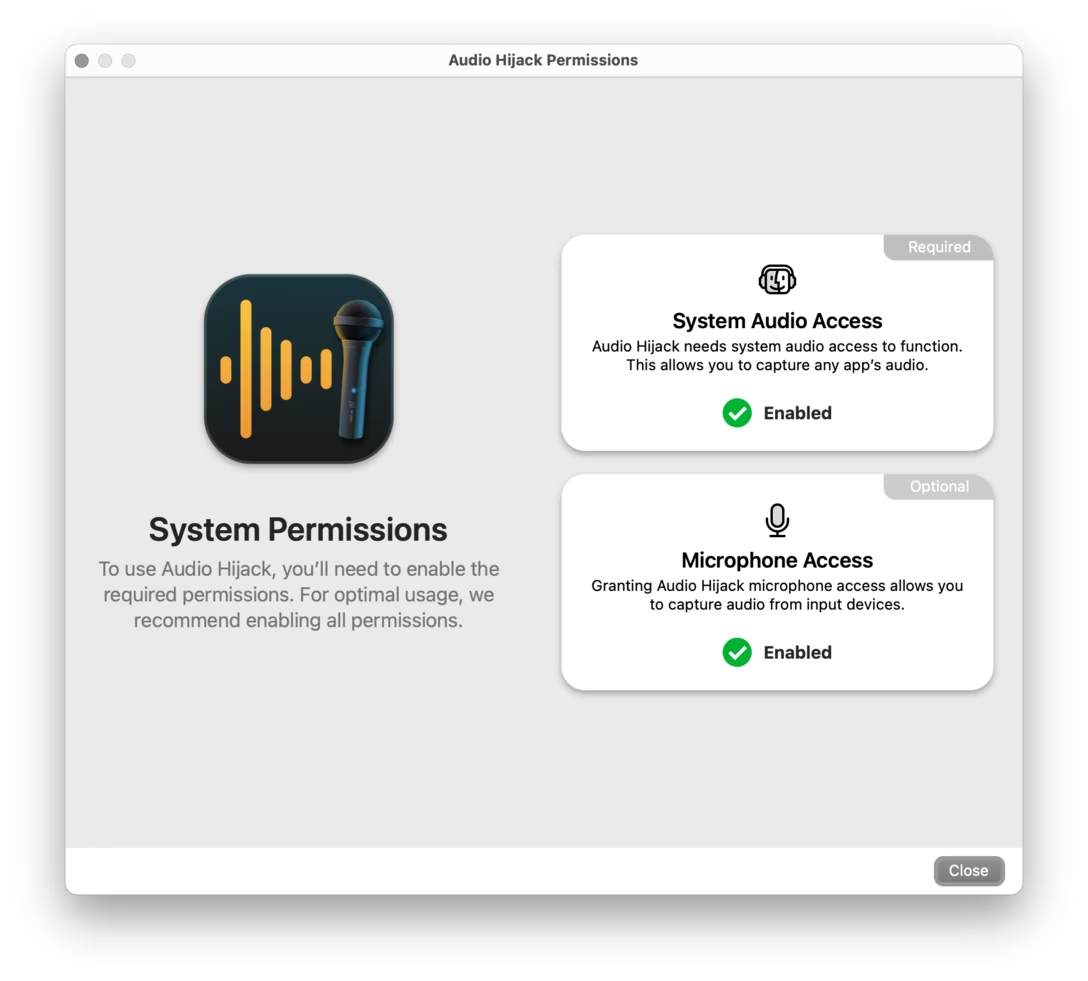
Another common peace-of-mind dialog is necessary permissions. Here’s a nice example from Audio Hijack:
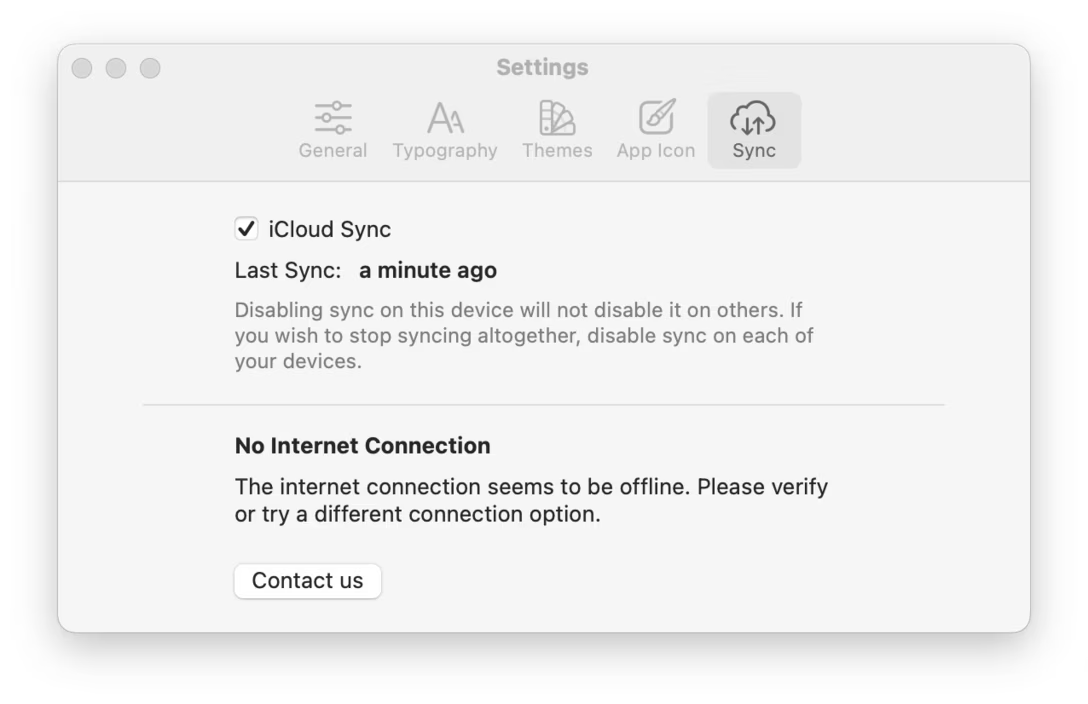
One more category is cloud syncing. Here, Bear provides additional information about why a sync might be in trouble:
These three peace-of-mind functions seem pretty common these days, but here are a few more specific examples.
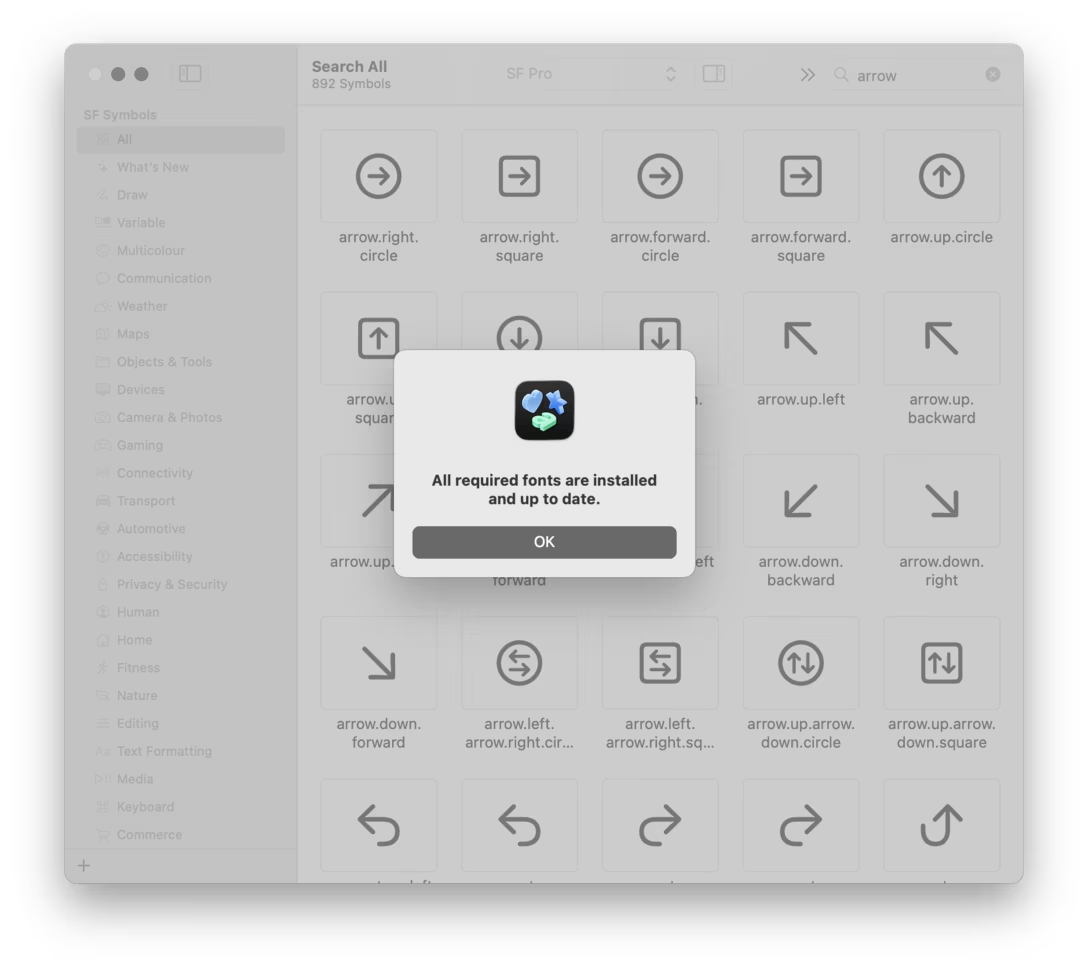
The SF Symbols app has a Check Installed Fonts… command to make sure the fonts are in order (SF Symbols don’t exist as a separate font, but piggyback on other fonts like SF Pro).
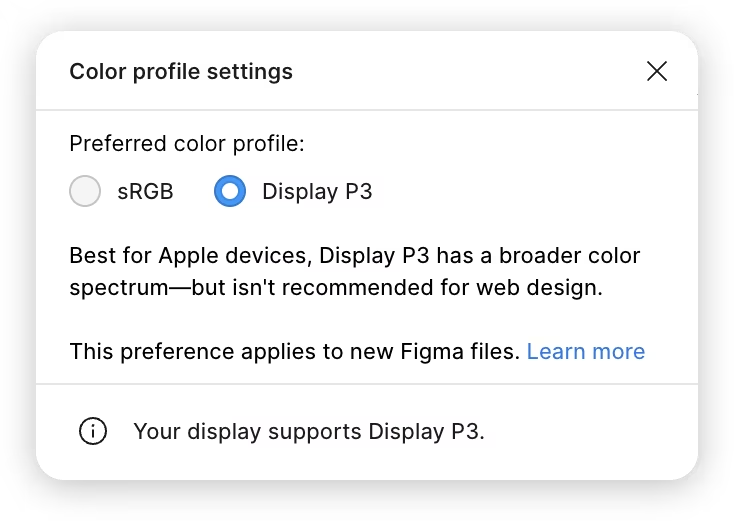
In Figma, we added a line at the bottom that plainly says “knowing all we know, your screen should be able to display the extra colors necessary for Display P3”:
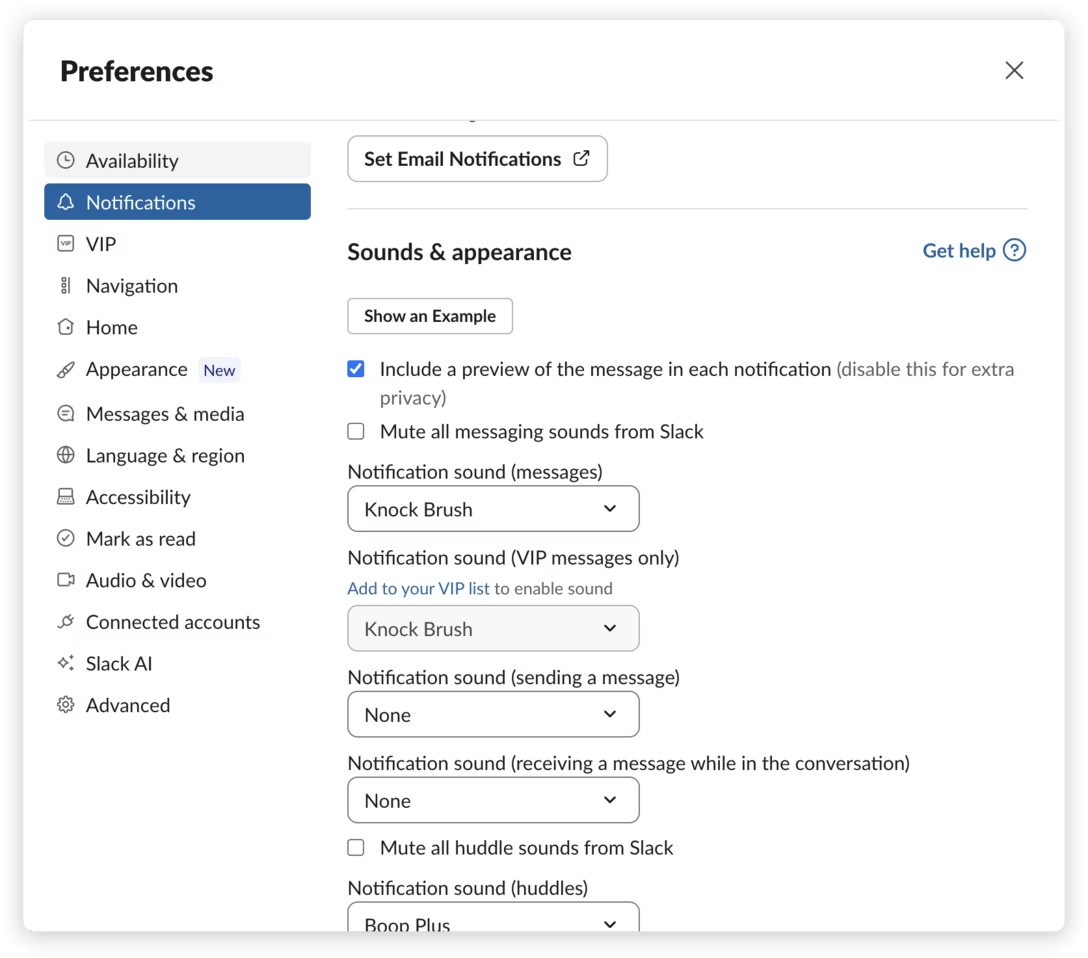
Right inside notification settings, Slack allows you to click “Show an example” to summon a fake notification:
And even though none of these peace-of-mind functions above are very in-your-face, sometimes they get hidden even further. Here, the Detect Displays button only appears when you hold ⌥, allowing you to hasten auto detection:
And, in the previous Audio Hijack example, you could hold ⇧ to “flush the pipes”:
These might all feel somewhat disappointing. Shouldn’t those things just happen automagically? Why would I need to jump through hoops only to arrive at a window saying “everything is fine”?
The way I understand and appreciate it is that the creators of these know that there are limitations to magic: that some things cannot be guaranteed, or that users might have battle scars from other apps. Cloud syncing works like magic most of the time, but when I’m on a plane, I would love to have a written confirmation that everything has been synced. Sometimes I click Skip This Version on an update, and forget I did that. Permissions just go haywire once in a while.
These functions reduce the blast radius. If Figma tells me “your display supports P3” but I still don’t see the rich-gamut colors, I can turn my attention to the file itself, instead of wasting time debugging the part of the chain that isn’t actually broken. If I click “Show an example of a notification” in Slack and nothing comes out, I know the problem is somewhere ahead of Slack, likely in System Settings.
There is, of course, a risk that some of these anti-magical interfaces might end up like some loading states do – a self-fulfilling prophecy that makes the owners care less about things just working quietly and robustly in the background, without the user every worrying. But all of these above feel okay to me, giving me peace of mind that at least here, in this neck of the woods, everything is working well.
Previously, we also talked about Raycast’s confetti that could serve a similar purpose.