Max one weird thing
If you want to record the screen from your iPhone on your Mac, open the QuickTime Player app but ignore New Screen Recording, and click on New Movie Recording instead.
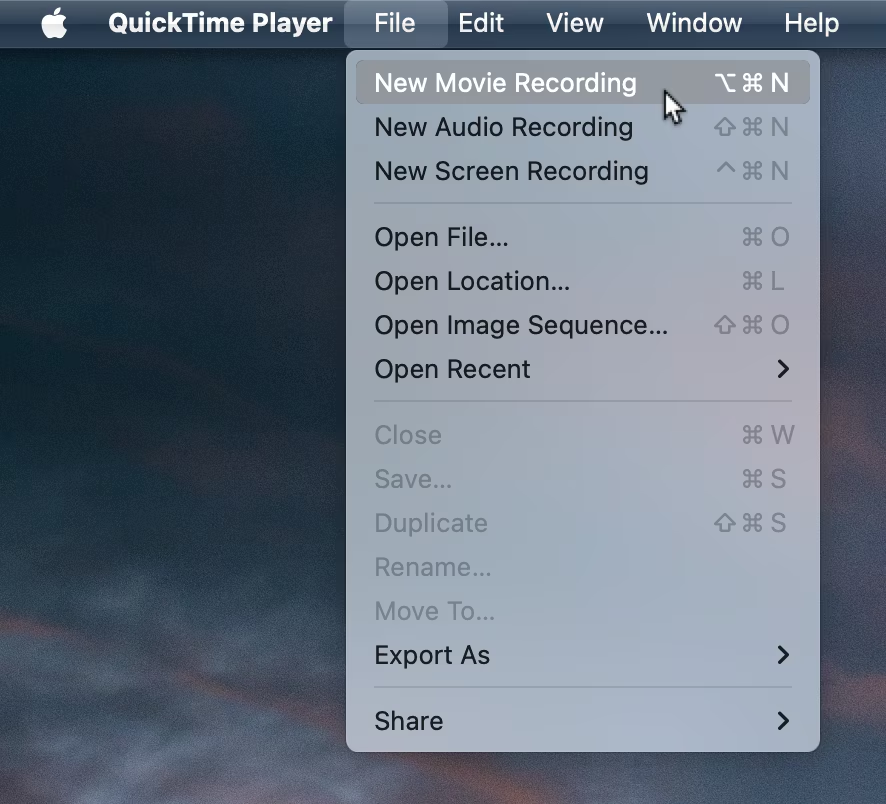
This instruction is a fever dream of three weird things in sequence:
- What on earth is “QuickTime”?
- I am recording with a player?
- Why can’t I choose the option that describes exactly what I want to do?
It’s interesting to me to think how we got here:
- QuickTime is a 1990s brand, an offshoot of QuickDraw. Instead of QuickAnimate or QuickPlay, Apple called it QuickTime because it felt cute: time is what separates static images from video. The branding was much more prominent in the 1990s and 2000s, but mostly fell out of use – searching for “quicktime” in system settings today, for example, yields zero results.
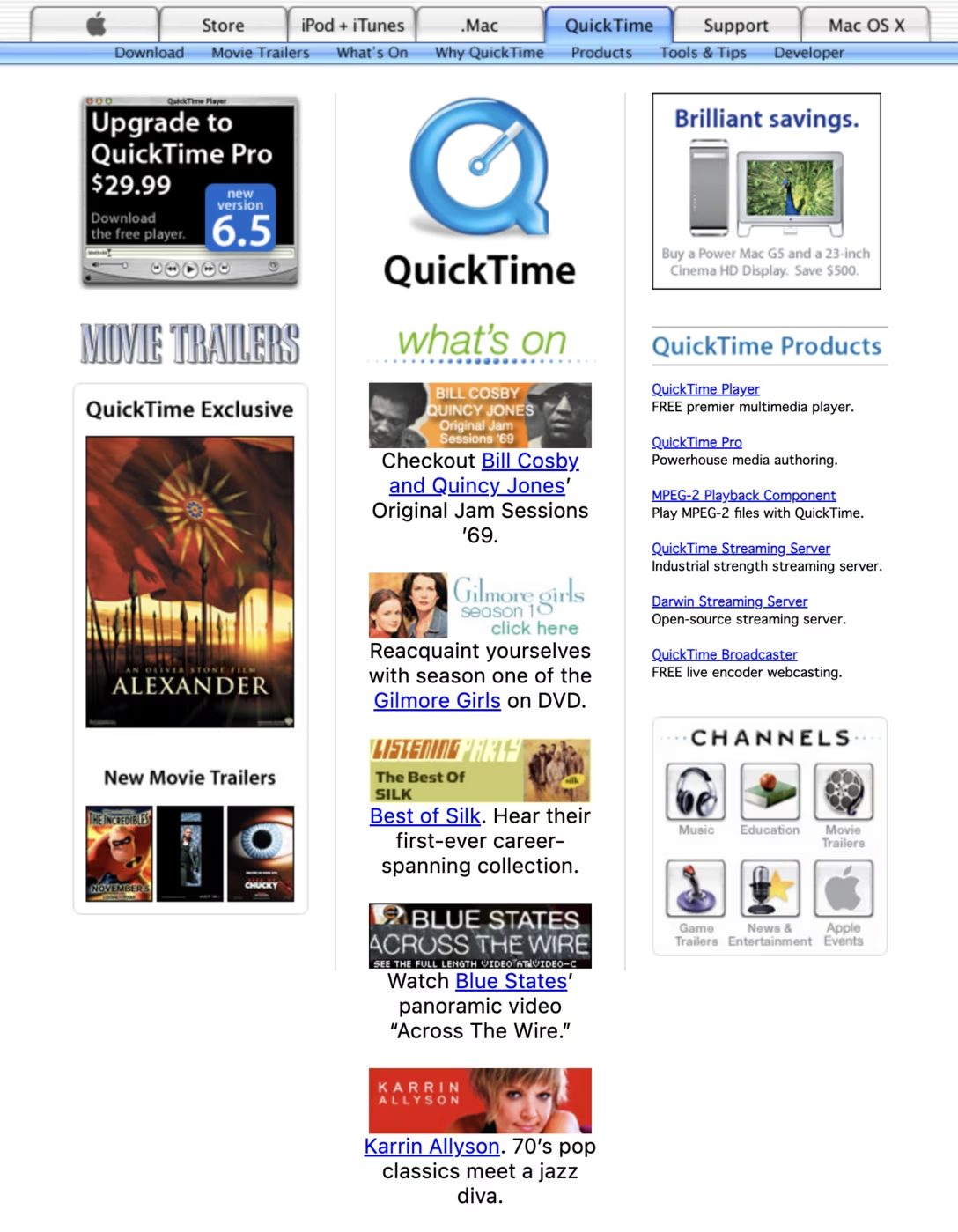
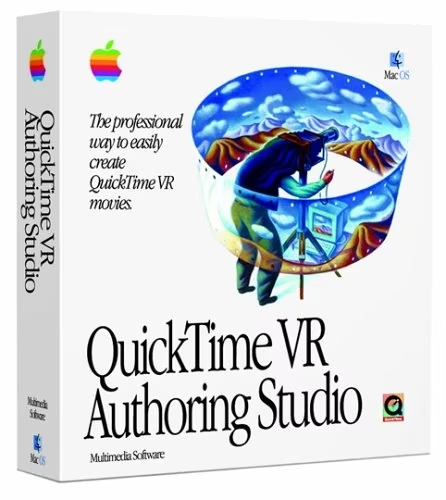
- Long ago, the Player was the only free, consumer-facing part of QuickTime, so it needed special branding. You could purchase QuickTime Pro – you would even get aggressive ad banners for it inside Mac OS! – and its encoding and saving capabilities would then be sprinkled across the entire system.

- “New Movie Recording” originally offered recording from external video cameras (like iSight, another cute name). “New Screen Recording” was added later, for recording from internal screens. My guess is that technically, architecturally, or both, it was easier to treat external screens (like iPhone or Apple TV) as external video cameras since the UI and affordances matched them more closely. So that’s why screen recording from external devices ended up under “New Movie Recording.”
As a UX historian, this is fun and fascinating! I love tracing back that kind of stuff and learning how certain strange things came to be.
As a user… not so much.
“If you want to record the screen from your iPhone on your Mac, open the QuickTime Player app but ignore New Screen Recording, and click on New Movie Recording instead.”
This feels thrice arbitrary, closer to a magical incantation than a computer command, requiring you to hold a bunch of counterintuitive things in your head, or look them up every time. “Wait, what was the strange name?“ “Yeah, it’s called a player, but that’s ok.” “Hmm, I remember something about not choosing the obvious command.“
I have this internal rule that a flow or a space in the UI should have at most one weird thing. I can’t prove it to you mathematically, and I would be the first to find exceptions to my own rule. But one weird thing makes me nervous, and two or more weird things in concert raise the hair at the back of my neck. Two weird things is when the “launch blocking” bulb lights up in my head. Work needs to happen to bring the weirdness count back to 1 or 0.
This is one example of what I dragged Apple earlier for: it’s not just speed that matters. It’s noticing this kind of complexity, places where an easy way was chosen, design debt accumulated, and things got simply too weird. Apple allowed three weird things to accumulate here.
(By the way, delightful weird doesn’t count! But it’s hard for me to imagine anyone defending these three things above as delightful or positive in any way.)
“If you want to record the screen from your iPhone on your Mac, open the QuickTime Player app but ignore New Screen Recording, and click on New Movie Recording instead.”
“If you want to record the screen from your iPhone on your Mac, open the Recorder app and click on New Screen Recording.”
It’s not trivial to get to this or something similar, but it’s also not really hard. You can get rid of weird things, but you need to want it.