Obsessive about obfuscation
My perhaps strangest confession to date: I’m annoyed about all the common ways people obfuscate text.
I think I developed this frustration during the GUIdebook times. In my gallery of splash screens, I would often be faced with this situation:
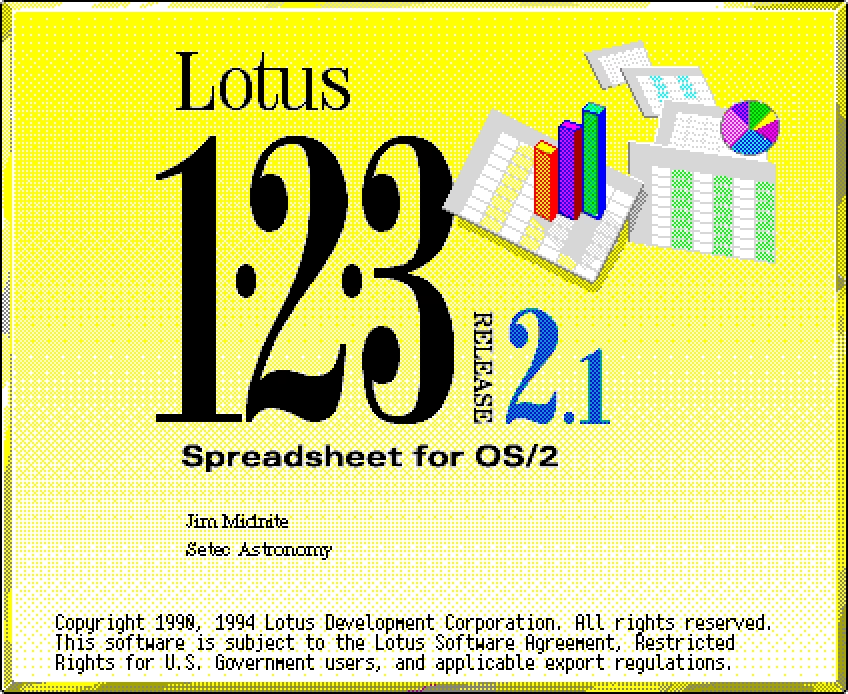
I didn’t want to propagate the registration info, and could think of a few ways to obfuscate it:
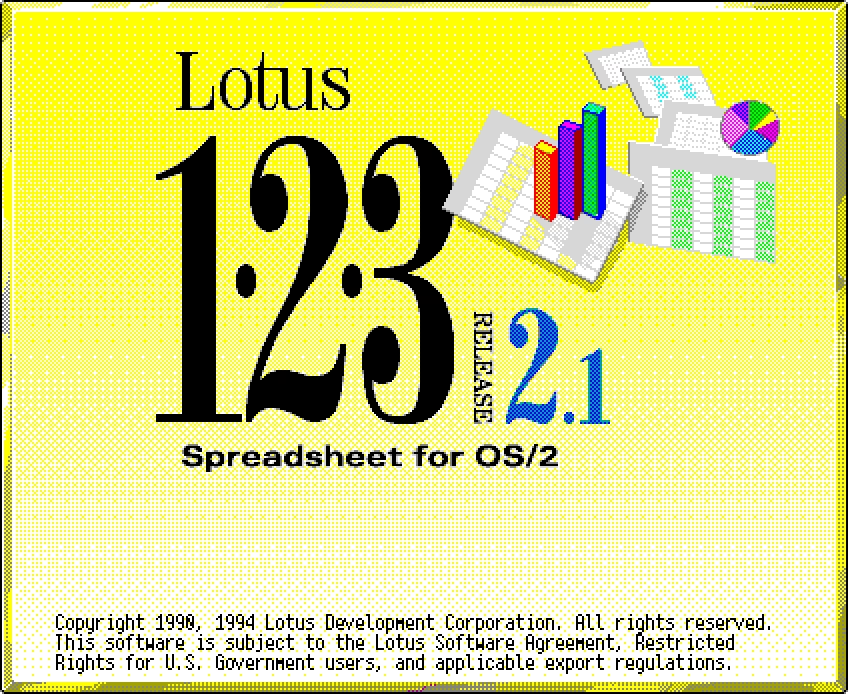
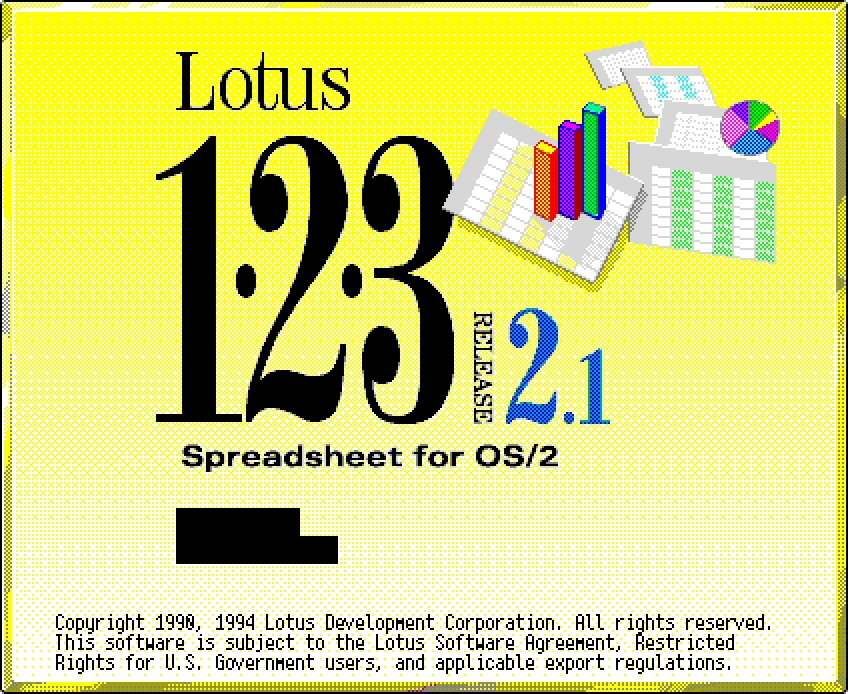
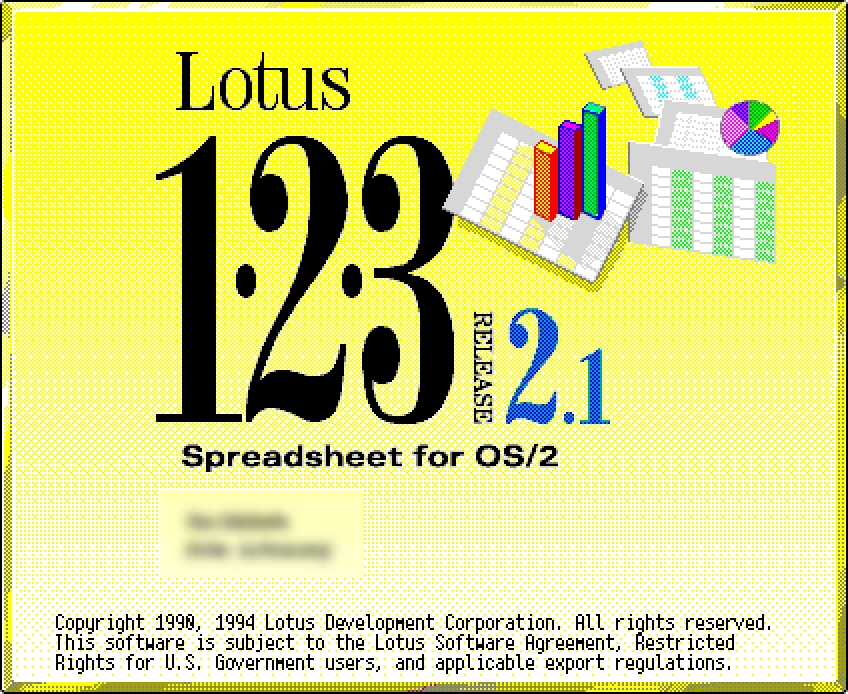
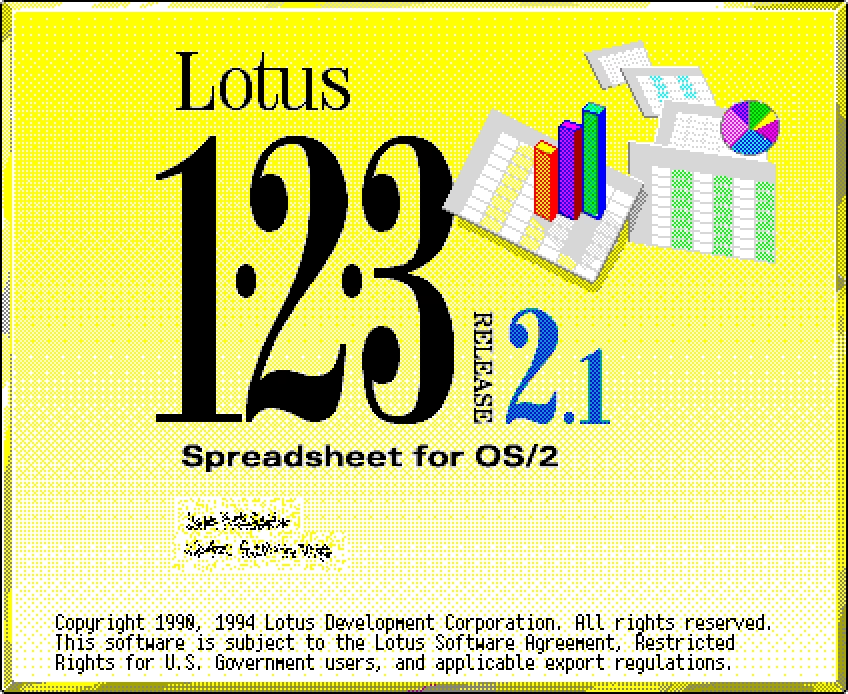
The first one felt okay, but it looked like the information just wasn’t there to begin with. Black bars and blurring didn’t look realistic, felt ugly, and drew too much attention to something ultimately not as important.
Eventually I arrived at the last solution – the Diffuse filter in Photoshop – which I felt kept the text’s “texture” (or, color in the typographical sense). You can see it everywhere in GUIdebook’s splash collection.
What somehow didn’t occur to me at that time was an even better solution: to modify the existing text instead of covering it. Make up a realistic name or serial number, typeset it exactly the same way, and plop it in the same place.
This is exactly what I did recently in the post about ⌘1 in Messages – it started with a regular screengrab, but I replaced all the names and avatars with fake ones.
I can tell you now: This approach is a lot of work.
Which is why I was amazed to discover that a Mac email client called MailMate actually has this kind of a feature built in. It’s called Distortion Mode, and I believe it’s meant specifically to help in taking screenshots without disclosing anything – it replaces all the strings with fake Latin in a rather clever way, and even adjusts the timestamps!
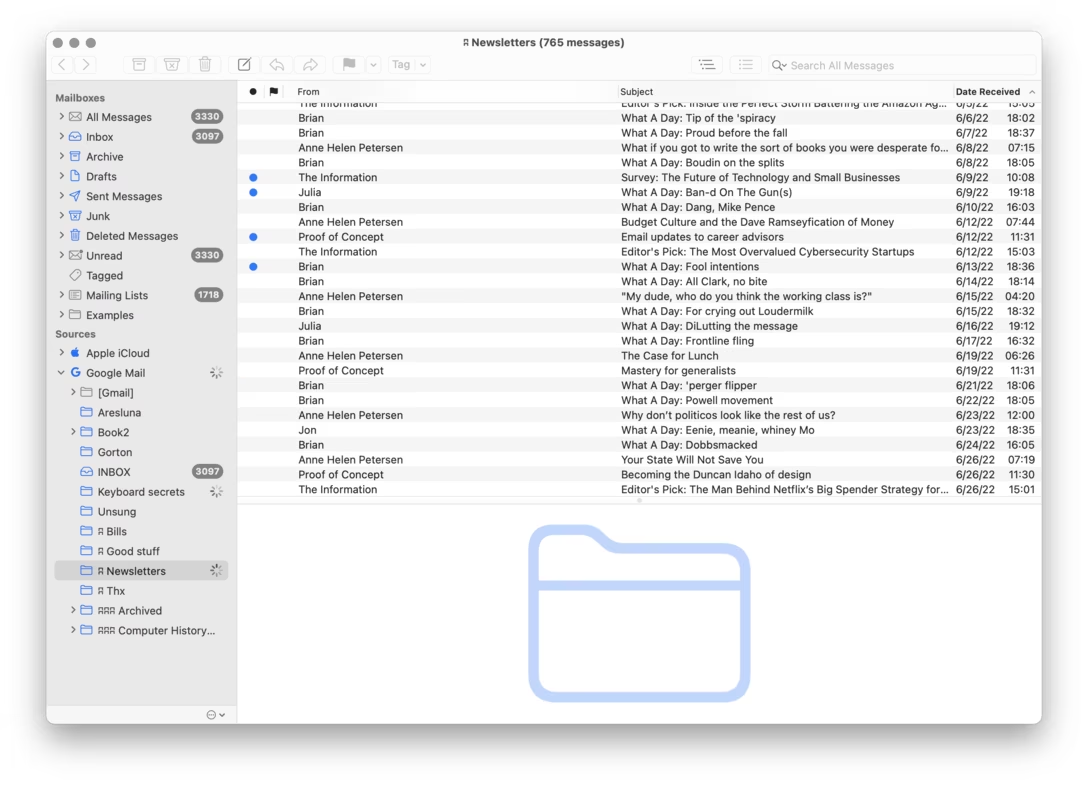
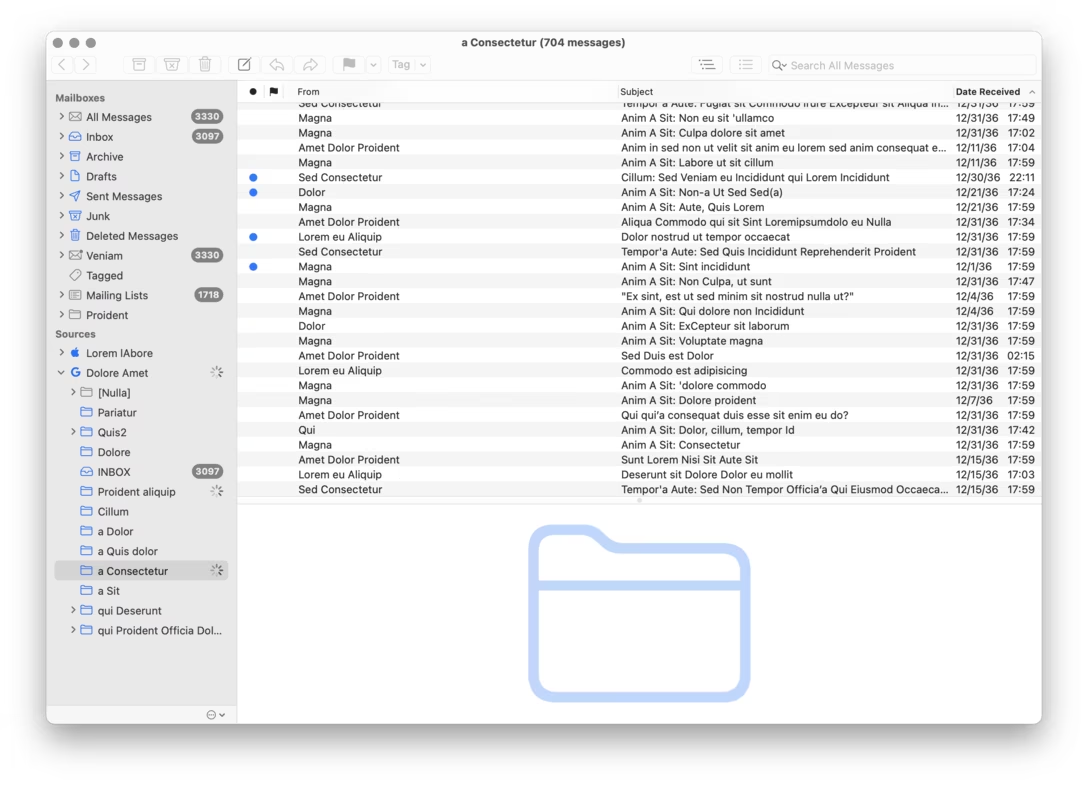
The product person in me is a bit weirded out by the name and the whole feature even existing. In what universe is it important to make it easy to take screenshots of mail software? Why wouldn’t the team work on something that actually matters?
But maybe it’s okay and even desirable for apps to be a bit quirky this way. MailMate even owns up to it on:
MailMate is not for everyone, but if it’s for you then you might never have to switch email client again.
Plus, I mean, I started this post by saying “I’m annoyed about all the common ways people obfuscate text” – so let me pass the first stone to someone else.